Skip to calculator
RFQ email builder
Turn a requirement into a quotation request you can review, copy or download.
Browser only · no sign-upDRAFT FOR YOUR REVIEW
A clear request, ready to check.
Review the draft before using it. Copy and download create text only; no email is sent.
Before you use the draft
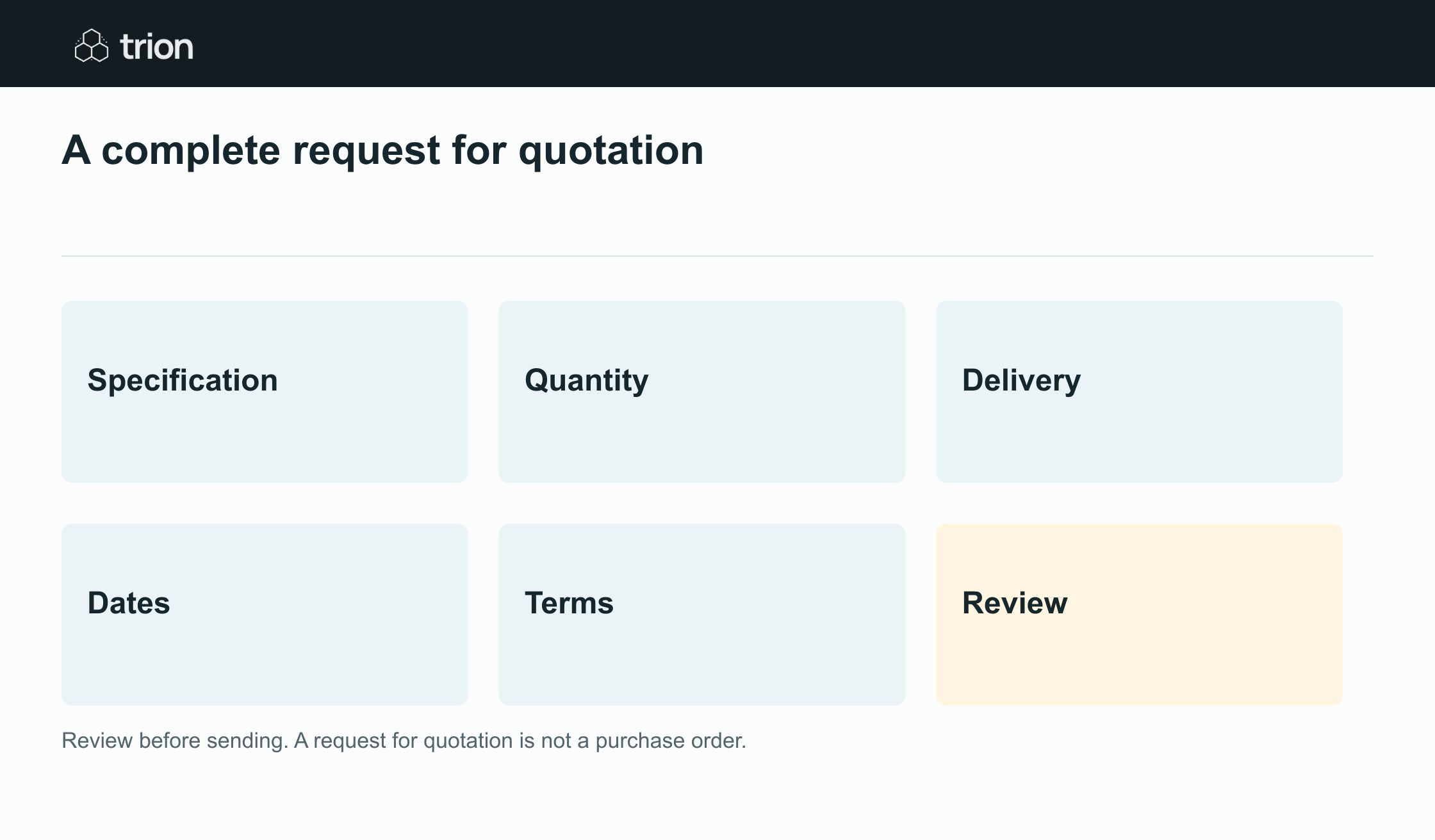
Check specifications, unit of measure, destination, dates and the terms you actually require. Dates are date-only values; add a reply time and time zone to the commercial terms if needed. The text requests a quotation and creates no purchase commitment. Sensitive details remain in the browser until you choose to copy or download them.
Example PNGReview before sending. A request for quotation is not a purchase order.