
An RFQ workflow begins before the first supplier email. It needs an agreed specification, a response deadline and a way to know which suppliers have answered, declined or asked a question.
Separate preparing an RFQ from choosing a quote
A request for quotation asks suppliers to price a defined requirement. The process needs enough common detail that replies address the same work. SAP's guided buying documentation describes an RFQ created from a purchasing form, followed by supplier quotes and a purchase request approval path. That is a useful separation of stages, even if your team operates through email. See SAP's quote-request workflow.
This guide focuses on invitation and response management. Comparing returned prices is a later task, covered in the quotation comparison guide. Keeping the boundaries clear prevents an unanswered invitation from looking like a completed sourcing exercise.
Make the RFQ ready to send
Require an RFQ reference, requester, item specification, quantity, unit, delivery location, needed-by date and response deadline. Include the questions suppliers must answer about freight, tax basis, payment and quote validity. For services, describe the deliverable and acceptance criteria instead of pretending that a vague project description is a standardized item.
A buyer owns the invitation list and confirms the contacts. The requester owns the requirement. The workflow can identify missing fields and prepare a draft, but it should wait when a required specification is unresolved. Record who cleared the readiness check and which requirement version was used.
A worked example: an equipment RFQ
In a fictional example, RFQ-208 requests 40 barcode scanners for one warehouse, delivered by November 18. Responses are due November 4 at 3 PM in the warehouse's local time. Three approved suppliers receive individual invitations. Each invitation names the same scanner specification, required accessories and response questions. Sending separately avoids revealing one supplier's contact details to another.
| Supplier invitation | Current state | Next action |
|---|---|---|
| INV-208-A | Quote received | Check response completeness |
| INV-208-B | Question received | Buyer answers the specification question |
| INV-208-C | No response | Prepare a reminder at the agreed time |
The buyer discovers that the accessory requirement was ambiguous. A revised specification is issued to all three suppliers, with a new response deadline. Keep the original invitation and amendment connected. A quote against the original requirement remains identifiable until the supplier confirms whether it applies to the revision.
Track one record per invitation
Store supplier ID, contact, sent time, response deadline, last reply, current response state and owner. The RFQ itself can have an overall state, but supplier-level records explain the detail. Useful response states include invited, clarification needed, quote received, declined, withdrawn and overdue. A delivery failure is different from a supplier choosing not to reply.
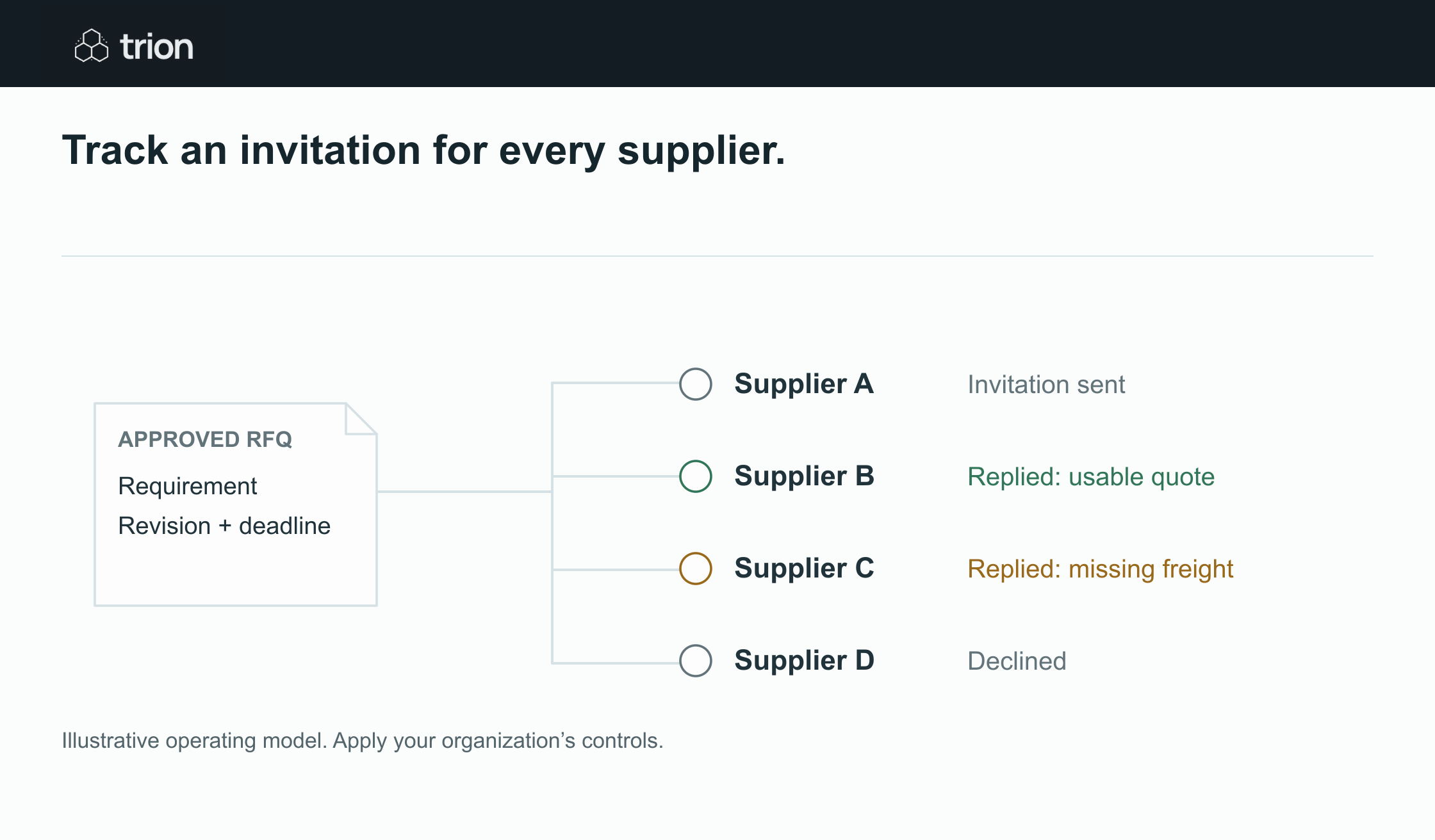

Track an invitation for every supplier.
- Requirement
- Approved specification
- Invitations
- One record per supplier
- Replies
- Answered, declined or incomplete
- Comparison
- Comparable quotes and questions
View data
| Evidence | Meaning |
|---|---|
| Requirement | Approved specification |
| Invitations | One record per supplier |
| Replies | Answered, declined or incomplete |
| Comparison | Comparable quotes and questions |
Illustrative operating model. Apply your organization’s controls.
Download imageRecord the actual transmission outcome. A prepared email is a draft, not a sent invitation. A retry must recognize an invitation already sent, and a supplier reply should cancel an obsolete reminder. Use the supplier follow-up guide for the timing and cancellation rules.
Handle the exceptions that change the event
A late quote needs an explicit buyer decision under the organization's sourcing policy. A supplier offering a substitute needs a requirement review. A contact leaving the supplier needs a verified replacement recipient. A bounced invitation should enter a delivery issue queue rather than start the response clock again without explanation.
If the requester changes the quantity, location or delivery date, identify which invitations need an amendment. Do not silently edit a spreadsheet cell and assume suppliers have seen the change. The event history should distinguish internal edits, reviewed drafts and information actually issued to suppliers.
Test the invitation register before expanding
Run a pilot containing a normal response, a decline, a clarification, a bounce, a late quote and a revised requirement. Confirm the correct next action for each. Ask the buyer to recover an event using only the register and its source links. If they still need to search personal inboxes to understand the state, the record is incomplete.
Start with the purchase request template and adapt it to your category. Measure complete response rate, unresolved questions and time from ready requirement to issued invitation. These measures describe the process without inventing a savings claim or treating the lowest quoted price as the only success criterion.