
A shared purchasing address is useful only if the team can tell who owns each conversation and what remains to be done. Access to the same messages is not an ownership system.
Choose the operating model before the labels
Decide whether the team needs shared conversation assignment, access to an existing mailbox or a purchasing system that uses email as an intake route. These are different designs. Verify the features and account permissions of the selected platform before copying a process from another tool.
Google Groups Collaborative Inbox supports taking or assigning conversations and marking them complete, requiring no action, or duplicate when the relevant permissions are present. This is a group workflow, and the owner must enable its features and permissions. Read Google's Collaborative Inbox guidance.
For any model, name an administrator for access and a procurement lead for operating rules. Staff should use authorized individual access. The inbox address may be shared, but accountability for work and changes still needs to be attributable to a person.
Define a small set of useful states
Start with unassigned, assigned, waiting for supplier, waiting internally and complete. Add a separate exception state only if someone reviews it. A label saying quotation does not explain whether the quote has been checked or who must act. A label saying urgent does not define a deadline.
| State | Owner | Completion rule |
|---|---|---|
| Unassigned | Daily triage owner | Assign or classify as no action |
| Waiting for supplier | Buyer | Reply received or escalation decided |
| Waiting internally | Named requester or reviewer | Required decision recorded |
| Complete | Assigned buyer | Required next action and record confirmed |
A worked example: two buyers, one reply
In a fictional team, a supplier sends a delivery question to purchasing. Maya takes ownership at 9:10 AM. Jordan can still read the conversation but sees Maya's assignment before drafting a second reply. Maya records that the warehouse must confirm whether Friday unloading is available and changes the next action to an internal question.
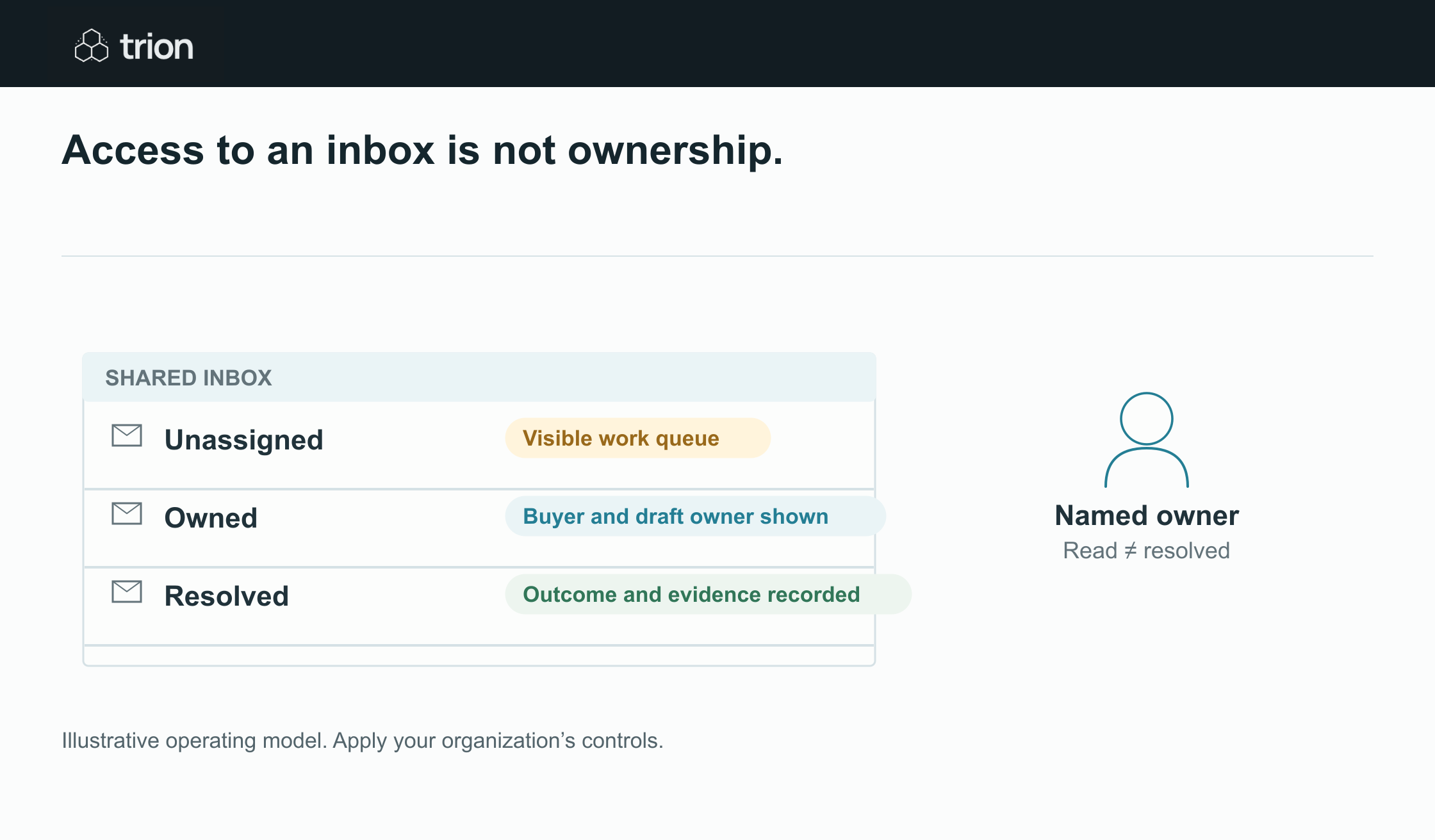

Access to an inbox is not ownership.
- Unassigned
- Visible work queue. Claim or assign
- Owned
- Buyer and draft owner shown. Coordinate the reply
- Resolved
- Outcome and evidence recorded. A read message is not enough
View data
| Evidence | Meaning |
|---|---|
| Unassigned | Visible work queue. Claim or assign |
| Owned | Buyer and draft owner shown. Coordinate the reply |
| Resolved | Outcome and evidence recorded. A read message is not enough |
Illustrative operating model. Apply your organization’s controls.
Download imageThe conversation is not complete merely because the supplier received an acknowledgement. It remains waiting internally until the warehouse answers. Maya then reviews and sends the supplier response, links the order record and closes the conversation. If she is absent, the team lead reassigns it with a short note about the pending question.
This example is about team ownership. Deciding which purchase request a reply belongs to is a separate problem, covered in the email matching guide. Assignment should not be mistaken for a verified document match.
Make the daily queue actionable
Show unassigned conversations, items overdue for an internal response and supplier waits whose follow-up time has arrived. Each entry needs an owner, a specific next action and the source conversation. Sort by the agreed due time rather than by whichever message happens to be newest. New supplier messages should reopen or update the relevant work item under a defined rule.
Use the team's working calendar when setting response targets. An elapsed hour during a weekend is not necessarily an overdue working hour. Decide how absences, site closures and urgent safety-related requests are handled. A temporary escalation owner should be explicit rather than inferred from who last opened the inbox.
Plan for split conversations and duplicate work
A single thread can contain a quote, a delivery question and an invoice. Keep separate operational tasks where different people own them, while retaining the shared conversation link. Closing the delivery question must not close the invoice review. Conversely, two emails about the same question should not create two independent follow-up commitments.
When a conversation is marked duplicate, link the surviving record. Do not delete useful evidence simply to make the queue look smaller. If an automated intake fails, preserve the message in a recoverable queue with the failure reason. An integration's success count cannot substitute for checking whether all expected messages became records.
Measure ownership before adding AI
Useful pilot measures include the number of unassigned items, age of unresolved internal waits and conversations answered twice. Check a sample of items marked complete against their completion rule. These measures help identify a process problem without needing AI to classify every message.
Use the readiness check before connecting automation. Once assignment and completion are dependable, add narrow assistance such as draft summaries or proposed next actions. The procurement lead should still be able to explain who owns an item and why it is waiting.