
A good RFQ email tells a supplier exactly what to price, where it is needed and how to answer. The template below makes missing terms visible without turning a quote request into an order.
Use a quote request for a defined requirement
SAP defines an RFQ as an invitation to submit a quotation for materials or services. Its documented structure separates general header information from items carrying quantities and delivery dates. Those are useful anchors for an email template too. Read SAP's RFQ definition.
Start with a specification your requester has checked. A product name alone may leave dimensions, grade, accessories or compatibility unresolved. For services, state the scope and acceptance criteria. If those details are missing, ask the requester before inviting a supplier to guess.
Copy this fictional example
This prepared sample concerns a fictional warehouse purchase. Replace every example value and verify the attachment before use.
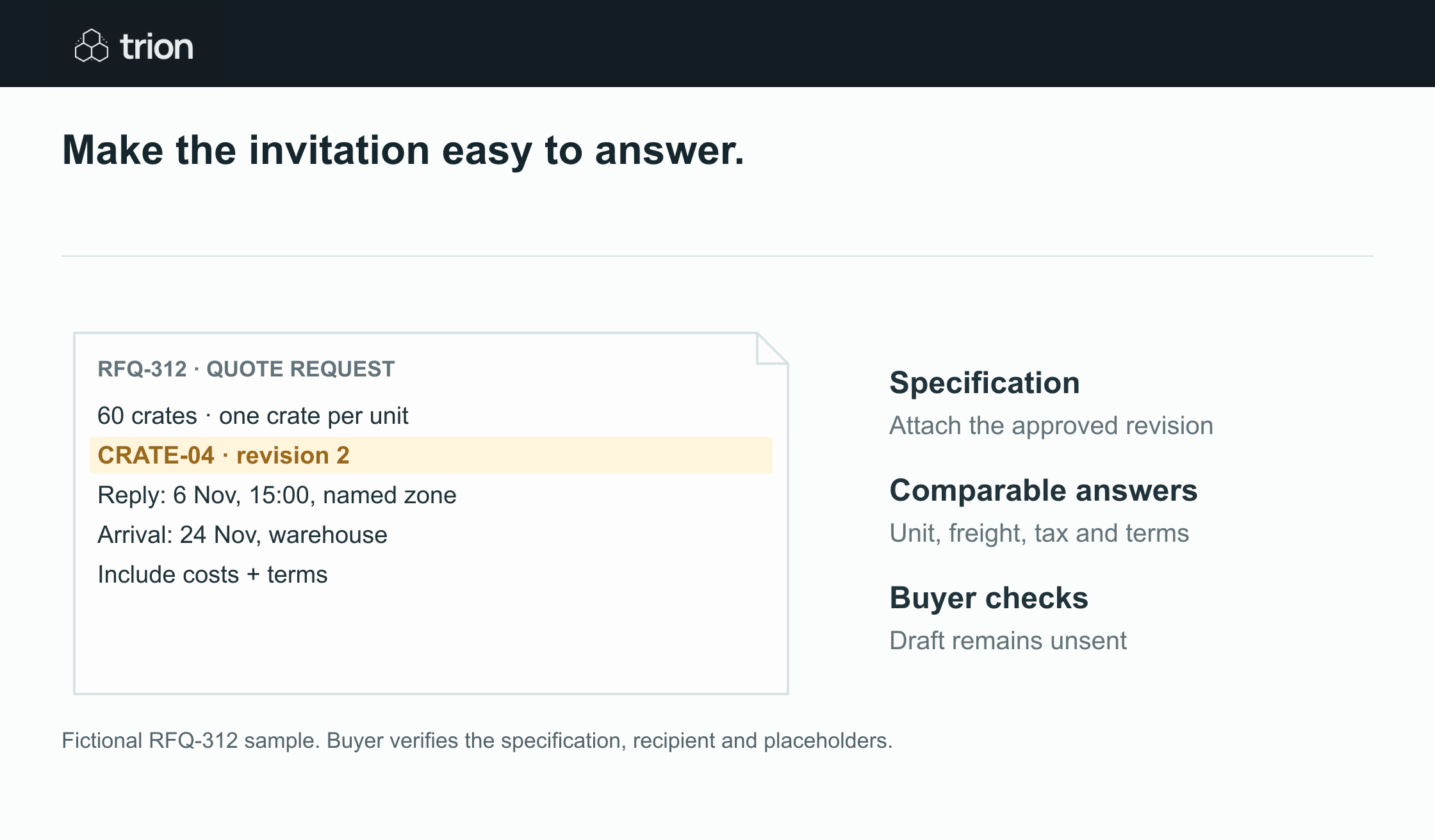

Make the invitation easy to answer.
- What
- Specification and revision
- How much
- Quantity and quoted unit
- Where / when
- Arrival location and deadline
- Reply with
- Price, costs and terms
View data
| Evidence | Meaning |
|---|---|
| What | Specification and revision |
| How much | Quantity and quoted unit |
| Where / when | Arrival location and deadline |
| Reply with | Price, costs and terms |
Fictional RFQ-312 sample. Buyer verifies the specification, recipient and placeholders.
Download imageSubject: RFQ-312 — 60 reusable transit crates — reply by 6 November
Hello [supplier contact],
Please quote for 60 reusable transit crates meeting specification CRATE-04, revision 2, attached. The required internal dimensions are 600 × 400 × 300 mm. Quote in units of one crate and identify any proposed alternative separately.
Delivery is required at our [full warehouse address] by 24 November 2026. Please confirm whether that date can be met.
In your reply, include the item reference, unit price, currency, total quantity, freight charge, applicable tax basis, minimum order quantity, payment terms, warranty and quote-validity date. State lead time from the event that starts it, such as receipt of an order.
Please reply by 6 November 2026 at 15:00 [named time zone], keeping RFQ-312 in the subject. If you cannot quote, a brief decline is helpful. Send specification questions to [buyer name and contact].
This message requests a quotation. The buyer will communicate any purchasing decision separately.
Thank you,
[buyer name]
[organization]
Decide which fields matter for this purchase
| Field | Buyer check |
|---|---|
| Item and unit | A carton, pack and individual unit must not share an ambiguous quantity. |
| Delivery | Include location and distinguish required arrival from dispatch. |
| Deadline | Use a date, clock time and named time zone; avoid “close of business”. |
| Commercial questions | Ask for costs and terms that affect this decision, with unknowns stated explicitly. |
| Alternative | Ask the supplier to identify the difference instead of silently substituting. |
Do not use the sample warranty question as a substitute for a technical warranty requirement. Add the required coverage or ask the supplier to describe its offer. Procurement owns the invitation and questions; the requester owns the specification. Contractual language and any purchasing commitment need the organization's authorized review.
Check the draft before sending
- Verify the recipient against the supplier contact record.
- Open the actual attachment and confirm its revision matches the email.
- Check that dates are achievable and units agree throughout.
- Remove placeholders, unrelated history and another supplier's pricing.
- Record the approved requirement version and the buyer who checked the invitation.
Send individual invitations where supplier information should remain private. If the specification changes, issue an identifiable amendment to affected suppliers and decide whether the response deadline changes. A corrected draft in your outbox does not update an invitation already sent.
Prepare the email without inventing missing details
Google documents separate Gmail operations for creating, updating and sending a draft. A prepared draft is an unsent message; sending requires a separate operation. See Google's draft email guide.
A workflow can assemble the approved fields, flag missing values and save a draft for review. It should preserve the RFQ reference and stop when a required specification or address is unknown. Use the RFQ email builder to prepare text locally, then follow the RFQ process guide for supplier response tracking. Returned quotes belong in the comparison tool; a clear invitation makes that later review easier.