
A reminder should be generated because a specific supplier response is still due. A schedule alone cannot tell whether the supplier has already replied, the request changed or a buyer resolved the question elsewhere.
Give each follow-up a reason and an owner
Track the request, supplier contact, outstanding question, asked time, promised response date and buyer. Examples include a missing quotation, a warranty clarification or a revised delivery commitment. Avoid a generic follow-up flag on an entire supplier account: the same supplier can have several unrelated requests at different stages.
The buyer decides the reminder cadence and when escalation is appropriate. Automation can find eligible items and prepare text from the current record. Google documents separate Gmail API operations for creating drafts and sending them, so a reviewed draft can be a deliberate workflow boundary. See Google's draft email guidance.
Define eligibility immediately before drafting
An item is eligible when the response is outstanding, its follow-up time has arrived, its contact is verified and it has no unresolved send or delivery issue. It should not be eligible after cancellation, an accepted response or an internal decision to pause sourcing. These conditions need to use the current record, not yesterday's exported list.
Keep prepared, reviewed, sent and delivery-failed states distinct. A draft is not evidence that a supplier was contacted. Record the actual sent message reference when sending succeeds. If a timeout makes the outcome uncertain, check for the message or escalate before retrying; otherwise a recovery action can become a duplicate reminder.
A worked example: the reply arrives before send
In a fictional RFQ, a supplier promised a warranty answer by Tuesday at noon. At 12:30 PM, the workflow creates a draft asking only for that answer. At 12:40 PM, the supplier replies with the missing warranty information. The buyer has not reviewed or sent the draft yet.
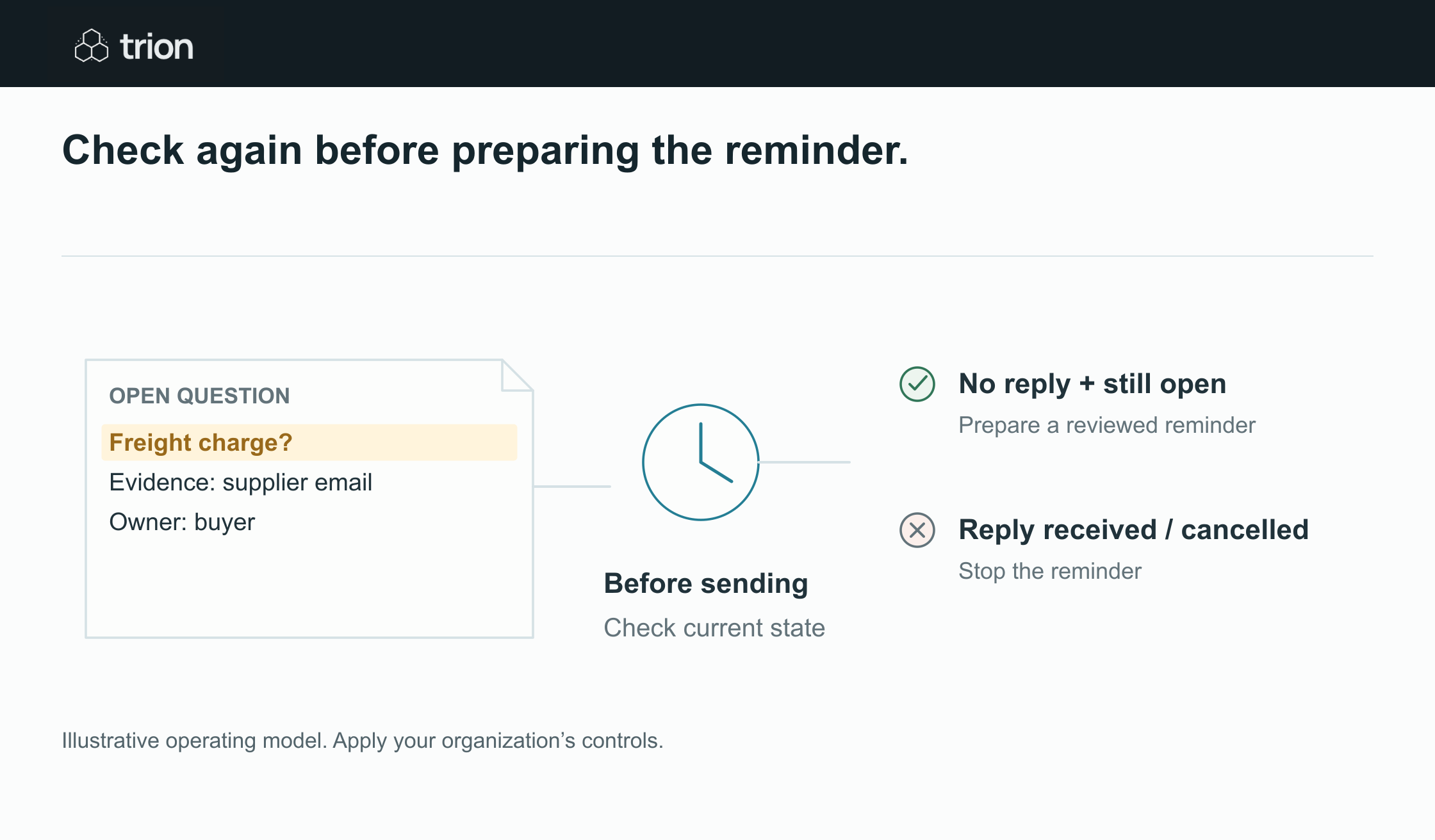

Check again before preparing the reminder.
- Still open?
- Question needs an answer
- Still current?
- Request has not changed
- No reply?
- Reconcile incoming messages
- Buyer review
- Prepare a relevant draft
View data
| Evidence | Meaning |
|---|---|
| Still open? | Question needs an answer |
| Still current? | Request has not changed |
| No reply? | Reconcile incoming messages |
| Buyer review | Prepare a relevant draft |
Illustrative operating model. Apply your organization’s controls.
Download image| Event | Record change | Follow-up outcome |
|---|---|---|
| Question becomes overdue | Draft eligible | Prepare one reminder |
| Supplier answer arrives | Response pending review | Hold the draft |
| Buyer accepts the answer | Question resolved | Cancel the obsolete draft |
| Answer is incomplete | Specific gap remains | Prepare revised wording |
The send check reads the latest question state and blocks the original reminder. The buyer evaluates the new answer, rather than treating any reply as completion. If it still lacks the claim process, the next message asks for that detail. It does not repeat the full quotation request or suggest that no reply was received.
Make the reminder easy to answer
Include the request reference, the exact outstanding question, the needed response date and the reason it matters. Keep the tone factual. For example: “For RFQ-208, please confirm whether the quoted warranty includes replacement parts. We need this detail to complete the commercial review by Thursday.” This is an illustrative draft, not a real message.
Use the appropriate current contact and channel. A reminder for confidential terms should not inherit every recipient from an old reply-all chain. If the contact changes, ask the buyer to verify the replacement. An automatic acknowledgement or out-of-office reply should update the context but should not automatically resolve the business question.
Set a stop rule and escalation path
A fictional cadence might prepare one reminder after the promised date and bring a still-unanswered item to the buyer two working days later. It is an example, not a recommended universal frequency. The buyer might call, extend the deadline, choose another supplier or close the event. The workflow should record that decision and stop when instructed.
Define working days and time zones. Store the deadline explicitly rather than guessing from “tomorrow” in a forwarded message. A request on hold should carry a reason and a review date. Otherwise it can sit outside both the reminder queue and the buyer's active work.
Test the reminders you do not want sent
Include a reply arriving after draft creation, an incomplete reply, a cancelled RFQ, an out-of-office message, a bounced address and an uncertain send outcome. Check that repeated scheduled runs create no additional draft for the same pending reminder. Also confirm that the reviewer can see the source question and last response before sending.
Use the supplier question log to establish the records first. Estimate effort with the ROI tool, using measured question volumes and review time. A useful pilot improves the reliability of the next action; counting generated reminders alone cannot demonstrate that the supplier relationship improved.