
Supplier onboarding establishes who the supplier is, which relationship is being approved and who has verified the required information. Receiving a form does not make a supplier ready for an order or payment.
Decide which relationship you are creating
A business might need to invite a supplier to quote before it is ready to transact with them. Oracle's supplier registration process distinguishes prospective suppliers, who can participate in negotiation and qualification activities, from spend-authorized suppliers used for financial transactions. That distinction is specific to Oracle's model, but it illustrates why a single registered checkbox is inadequate. Read Oracle's registration guidance.
Define your own permitted activities for each state. A prospective supplier might be eligible for a sourcing event. A purchasing-approved supplier might be eligible for an order in a particular category. Payment setup may involve a separate finance decision. Record the scope rather than assuming one approval covers every use.
Build the checklist around decisions and owners
Ask for information that supports a required decision. The exact documents depend on category, geography, organizational policy and the type of service. Do not copy every field from a large-enterprise checklist into a small supplier intake. Unnecessary sensitive information creates handling work without making the decision clearer.
| Check | Responsible function | Evidence to retain |
|---|---|---|
| Supplier identity and duplicate search | Supplier data owner | Verified entity record and existing-ID check |
| Category suitability | Buyer or category owner | Required capability assessment |
| Required commercial documents | Named reviewer | Accepted versions and expiry dates |
| Payment setup | Authorized finance owner | Independent verification record |
| Permitted activity | Approval owner | Decision, scope and conditions |
A worked example: ready to quote, waiting for finance
In a fictional onboarding case, a packaging supplier provides its legal name, business address and contact. The buyer confirms that the supplier can quote the required carton specification. The registration record is accepted for sourcing, but the payment setup is still under review by finance.
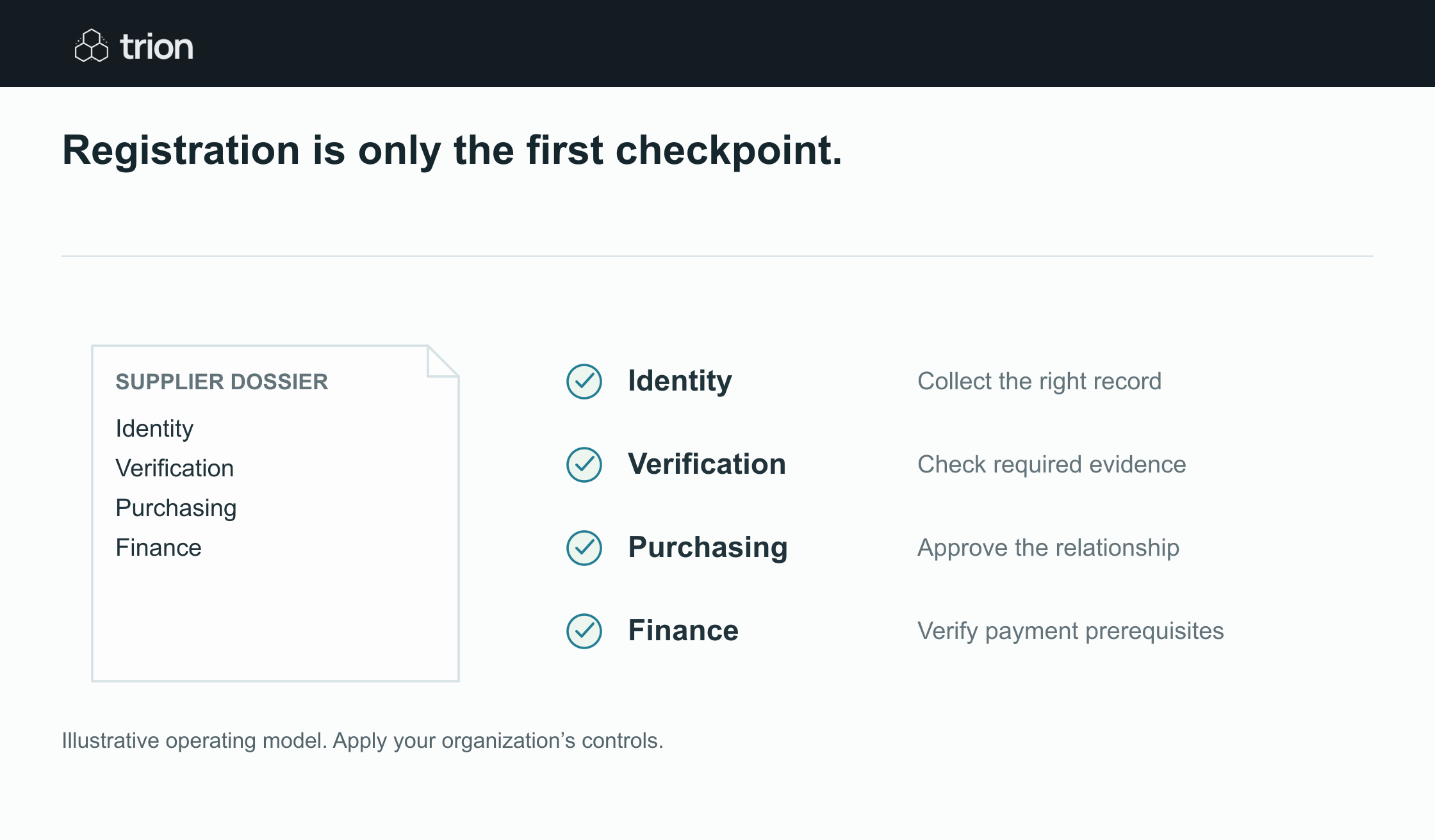

Registration is only the first checkpoint.
- Identity
- Collect the right record
- Verification
- Check required evidence
- Purchasing
- Approve the relationship
- Finance
- Verify payment prerequisites
View data
| Evidence | Meaning |
|---|---|
| Identity | Collect the right record |
| Verification | Check required evidence |
| Purchasing | Approve the relationship |
| Finance | Verify payment prerequisites |
Illustrative operating model. Apply your organization’s controls.
Download imageThe workflow shows prospective, quotation permitted, payment setup pending. It does not show complete. The buyer can include the supplier in an RFQ under the agreed policy. If the supplier is selected, the order route checks whether the remaining purchasing and finance requirements have been met. That check reads the current supplier record, not an old exported approval list.
A second employee submits the same supplier using a trading name. The data owner checks the existing entity and creates or confirms the relationship with the original supplier ID. The workflow preserves the submitted name as an alias instead of making a second payment record automatically.
Keep sensitive fields behind the appropriate review
Access to payment details should be restricted to the roles that need them. A change received by email should enter the agreed verification process rather than overwrite an approved record. Use an independently established contact route for the finance check; replying to the same message is not independent verification.
Record who performed the check, when and against which information. Keep detailed documents in the approved storage location with suitable access, and use references in the operational checklist. If a reviewer cannot open the evidence, resolve the permission issue instead of broadening access by default.
Give incomplete and expired records a next action
Useful states include requested, received, needs correction, under review, accepted and waived with authority. An expired document should not retain an accepted appearance simply because it was accepted last year. Define which items require periodic review and who receives the renewal task.
A waiver needs the authorized person, reason, scope and review date. It is different from a blank cell or a missing attachment. If a supplier declines to provide an item, the category owner determines whether the relationship can continue. Automation should surface the decision, not infer permission from elapsed time.
Test the complete approval boundary
Pilot a duplicate entity, an incomplete form, an expired document, a changed payment detail and a supplier approved for one category but requested for another. Confirm that each creates the correct next action. Also test an absent reviewer and a rejected registration, so those records do not vanish from the queue.
Use the approval matrix tool to clarify the owners and the readiness check before integration. This is supplier qualification and transaction readiness. The separate client document guide covers collecting project documents, which has a different completion rule.