
A good document request tells a client exactly what to provide and tells your team exactly how to judge completion. Gmail can carry the conversation and Drive can hold the files, but the checklist should remain the source of truth for what is required, received, and accepted.
Define completion before asking for files
Start with the work you need to begin. For each document, record its purpose, expected version or period, accepted format, due date, owner, and acceptance rule. Make optional items visibly optional. A request for “all onboarding documents” creates uncertainty for both the client and the reviewer.
For an illustrative agency onboarding, the list could include a signed scope, a company details form, an authorised contact list, and approved brand assets. These are examples, not a universal requirement. Choose items that your project actually needs and avoid collecting extra information without a reason.
| Item | Acceptance rule | Reviewer |
|---|---|---|
| Signed scope | Current scope version; required signatures reviewed | Project lead |
| Company details form | Required fields complete; contact information checked | Operations |
| Authorised contact list | Names, roles, and decision responsibilities supplied | Project lead |
| Brand assets | Approved files supplied in the agreed formats | Design lead |
Decide the access model before the folder link
Define who should be able to submit, view, edit, and review the files. The intended client contacts and internal reviewers may need different access. Choose a collection route that supports those needs, then test it with the intended recipients. Gmail and Drive access and sharing behavior must be confirmed in your account setup during the pilot.
Keep each client’s collection distinct. Review the recipients and permissions before an external share is made. If a client reports that a link is inaccessible, investigate the account and permission problem. Broad public sharing is not a sound default fix. Sensitive document categories also need a deliberate handling and retention policy before you request them.
Send one concise, actionable request
The email should state the purpose, the items, the due date, and the submission route. Give the client a contact for questions. For example:
“To prepare your project kickoff, please send the current signed scope, completed company details form, authorised contact list, and approved brand assets by 16 October. Use the agreed project collection folder or reply with attachments. If an item is unavailable, tell us which one and the expected date.”
Review the draft before sending. A clear request can still go to the wrong person, include the wrong folder, or ask for a document that this client does not need.
Record received and accepted as separate states
When a file arrives, record the client, checklist item, sender, receipt date, source message, file location, and apparent version. Preserve the original. The status becomes received, then awaits review. A file with the right name may still lack pages, use an old scope, or contain an incomplete form.
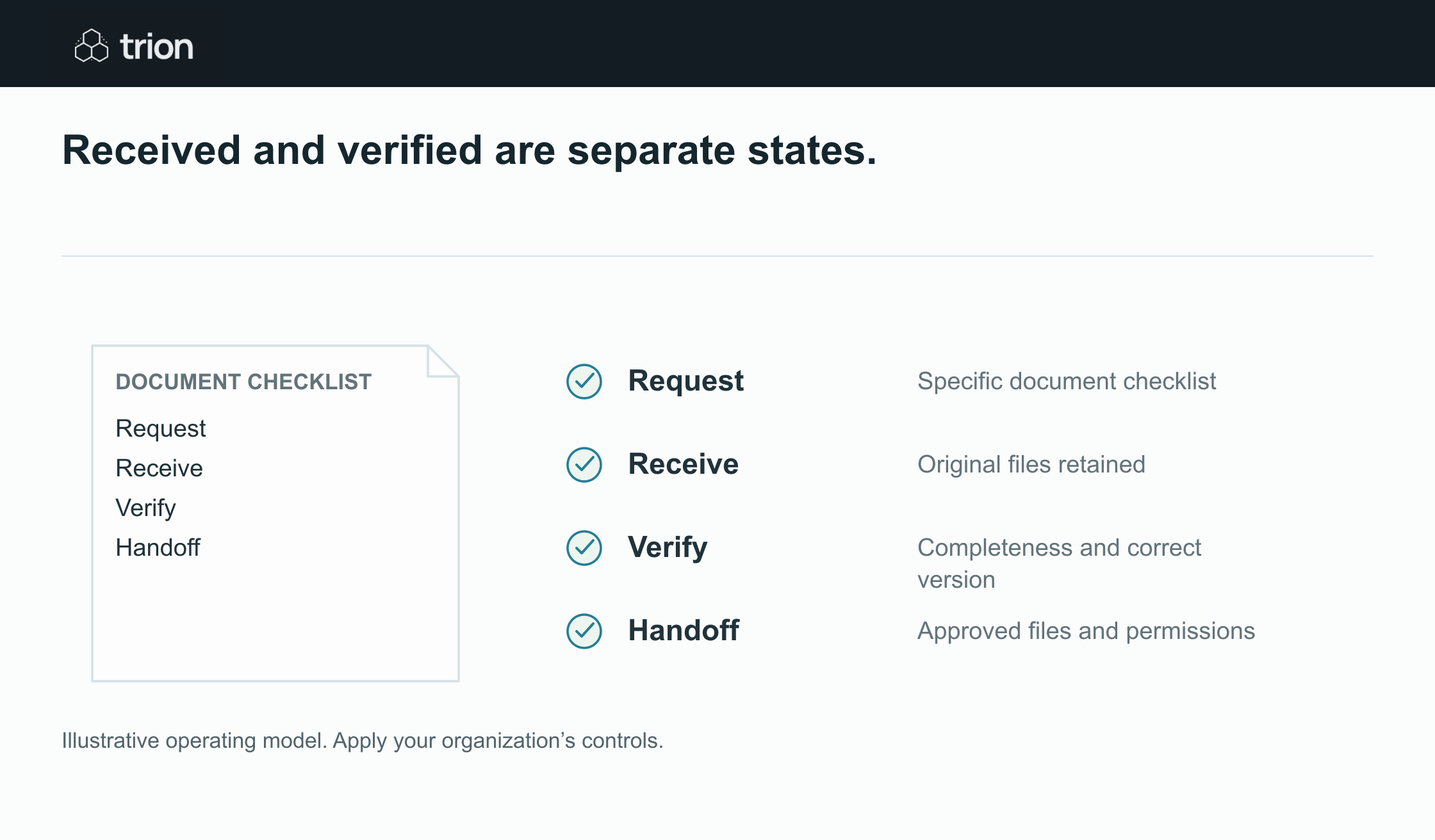

Received and verified are separate states.
- Request
- Specific document checklist
- Receive
- Original files retained
- Verify
- Completeness and correct version
- Handoff
- Approved files and permissions
View data
| Evidence | Meaning |
|---|---|
| Request | Specific document checklist |
| Receive | Original files retained |
| Verify | Completeness and correct version |
| Handoff | Approved files and permissions |
Illustrative operating model. Apply your organization’s controls.
Download imageThe reviewer either accepts it or records a specific correction. “Scope v2 received; signature page missing” is useful. “Incomplete” without an explanation is not. A replacement should link to the earlier file and the correction request so the team knows which version is current. Flag possible duplicates instead of silently discarding them.
Build reminders from the current checklist
Send a follow-up that mentions only the items still missing or requiring correction. Include the reason, requested action, and due date. If the client already supplied brand assets, the next reminder should not ask for them again. Before sending, check whether a recent reply or review decision changed the checklist.
Give overdue items an internal owner. That owner may decide to adjust the due date, accept an alternative, or pause the project. The workflow can prepare those decisions and drafts; it should not guess that an absent document is no longer required.
Close collection with a visible handoff
Mark collection complete only when every required item is accepted or has a recorded exception approved by the responsible person. Send the internal team the checklist status and current file locations. Recheck access when team membership or client contacts change, and apply the agreed retention process when the work ends.
Use the client document checklist to establish the status and review fields. Start the pilot with a small, defined set of document types. Test wrong versions, missing pages, duplicate submissions, incorrect permissions, and reminder drafts before expanding the workflow. Document authenticity and professional review remain with the accountable team.