
Email triage automation decides what a message needs next: an owner, a request record, a follow-up, or review. A useful design preserves the original message and the reason for routing. It should help the team see unattended work rather than merely make the inbox look smaller.
Define the operational categories
Use categories tied to a next action: new request, existing-case update, question needing a response, document submission, or uncertain. Avoid a large collection of overlapping labels that different reviewers interpret differently. Give each category a definition, examples, exclusions, and an owner.
In an illustrative service inbox, “existing-case update” requires a supported connection to a current case. If the reference cannot be found, the message enters review. This guide concerns general triage; the separate supplier matching guide covers the deeper evidence needed to attach procurement replies to purchase requests.
Keep labels separate from completion
Google documents that Gmail labels can be applied to messages and threads, with multiple labels on one item. That supports visible categorization, but a label does not by itself prove that the required business action was completed. Google’s label documentation.
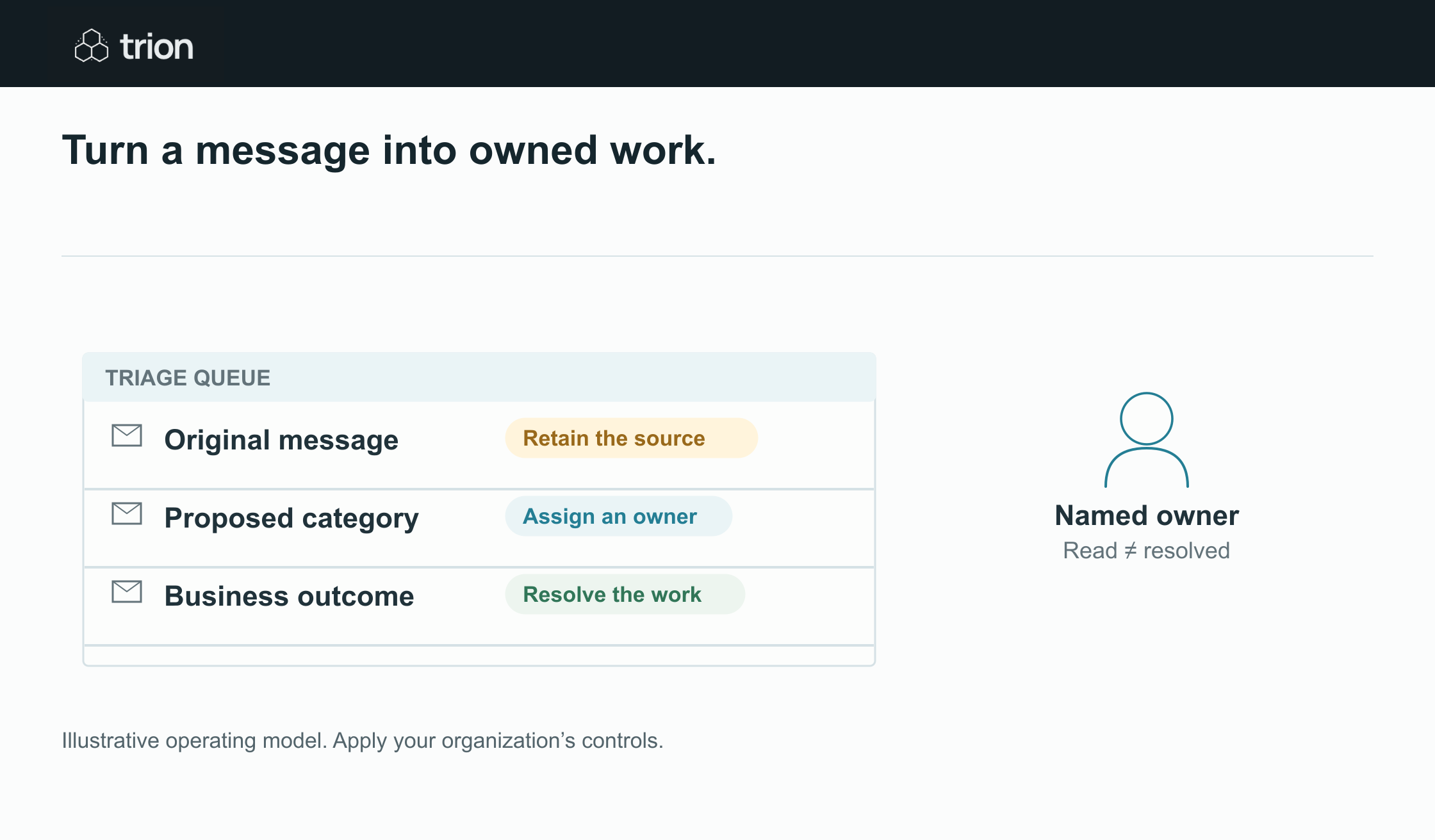

Turn a message into owned work.
- Message
- Keep the original
- Classify
- Rules or proposed AI label
- Assign
- A responsible person
- Resolve
- Record the business outcome
View data
| Evidence | Meaning |
|---|---|
| Message | Keep the original |
| Classify | Rules or proposed AI label |
| Assign | A responsible person |
| Resolve | Record the business outcome |
Illustrative operating model. Apply your organization’s controls.
Download imageUse a linked work record with the message reference, category, evidence, owner, status, and next action. A message can be categorized while still awaiting a reply. A thread can contain a new question after an earlier task was closed. Evaluate the current message and relevant context before inheriting an old completion state.
Choose rules and AI for different signals
| Signal | Method | Control |
|---|---|---|
| Known case reference | Exact lookup in the case record | Check that the case is relevant and active |
| Fixed intake address | Explicit routing rule | Review exceptions and forwarded messages |
| Variable request wording | AI category suggestion with evidence | Validate permitted category and unresolved signals |
| Multiple requests in one email | Proposed split into separate tasks | Human review before assigning consequential work |
Do not infer authorization from a familiar display name. Treat message text and attachments as source material for the task, not instructions that can change the automation’s policy or permissions. Review unexpected requests to send data or change payment details under the team’s defined process.
Design intake so missed events are detectable
Google’s push notification guide uses a mailbox watch and mailbox history to identify changes. It requires renewing the watch at least every seven days. A production integration therefore needs watch renewal and history handling in addition to the classification step. Gmail push notification guidance.
Whether the implementation uses that API pattern or another supported connector, keep a reconciliation plan: compare eligible messages with work records, detect missing records, and investigate gaps. Confirm the actual connector’s trigger behavior during the pilot. Do not assume every account configuration exposes the same events or permissions.
Handle duplicates and new information
Store a stable source message reference so repeated ingestion does not create repeated tasks. Keep attachment and case relationships separate. A forwarded message may include an old attachment plus a new question; discarding the whole message as a duplicate can lose the new work.
For each update, decide whether it changes the current task, creates another task, or needs review. Preserve the prior classification and final reviewer decision when the interpretation changes. An operator should be able to explain why the message entered its present queue.
Prepare replies behind a separate review step
Classification can produce an internal suggestion without sending anything. If the scope later includes a draft response, show the recipient, subject, content, supporting facts, and any promise it makes. Require approval before external sends at the agreed control point.
Do not let an urgency category create a delivery commitment. The owner should confirm the relevant capacity or source record before promising a date. Similarly, a missing-document request needs the current checklist so the draft does not ask for something already received.
Measure whether triage improves the queue
Track unassigned messages, oldest unattended task, routing corrections, duplicate records, review minutes, and response waiting time. Sample the uncertain queue as well as accepted classifications. Use the readiness tool to prepare the scope and the processing cost tool to explore usage. Account access, representative messages, and a scoped pilot are needed before the routing rules can be relied on.