
AI automation uses an AI capability inside a process that moves work forward. The AI might classify a message, extract a field, or prepare a response. The surrounding workflow still needs a trigger, a record, decision rules, and someone accountable for the outcome.
Separate the AI task from the business process
IBM describes intelligent automation as a combination of AI, business process management, and robotic process automation. That definition helps explain why an AI model alone is not a complete operating workflow. A model can interpret information; other components organize the work and interact with systems. IBM’s intelligent automation overview.
For project planning, name the task more precisely than “use AI.” Examples include identifying the type of incoming enquiry, extracting delivery dates from supplier messages, or drafting a checklist from a client brief. Then name the action that follows: create a review record, assign an owner, or prepare a reply for approval.
This separation makes the design testable. A fluent summary may be useful but still leave the team copying information between systems. Conversely, a simple rule that moves a validated record into the right queue may solve the operational problem without an AI step.
Three capabilities with different responsibilities
| Capability | Suitable responsibility | Example |
|---|---|---|
| Rules and calculations | Apply an explicit policy consistently | Route a confirmed amount above a threshold to a manager |
| AI interpretation | Propose an interpretation of variable language | Suggest whether an email is a delivery update or a question |
| Human review | Resolve ambiguity and authorize consequences | Confirm a changed delivery promise before contacting the customer |
Do not ask a language model to replace arithmetic you can calculate directly. Do not present a model’s proposed category as a confirmed business fact. Give each step a defined output and a defined response when that output is missing or uncertain.
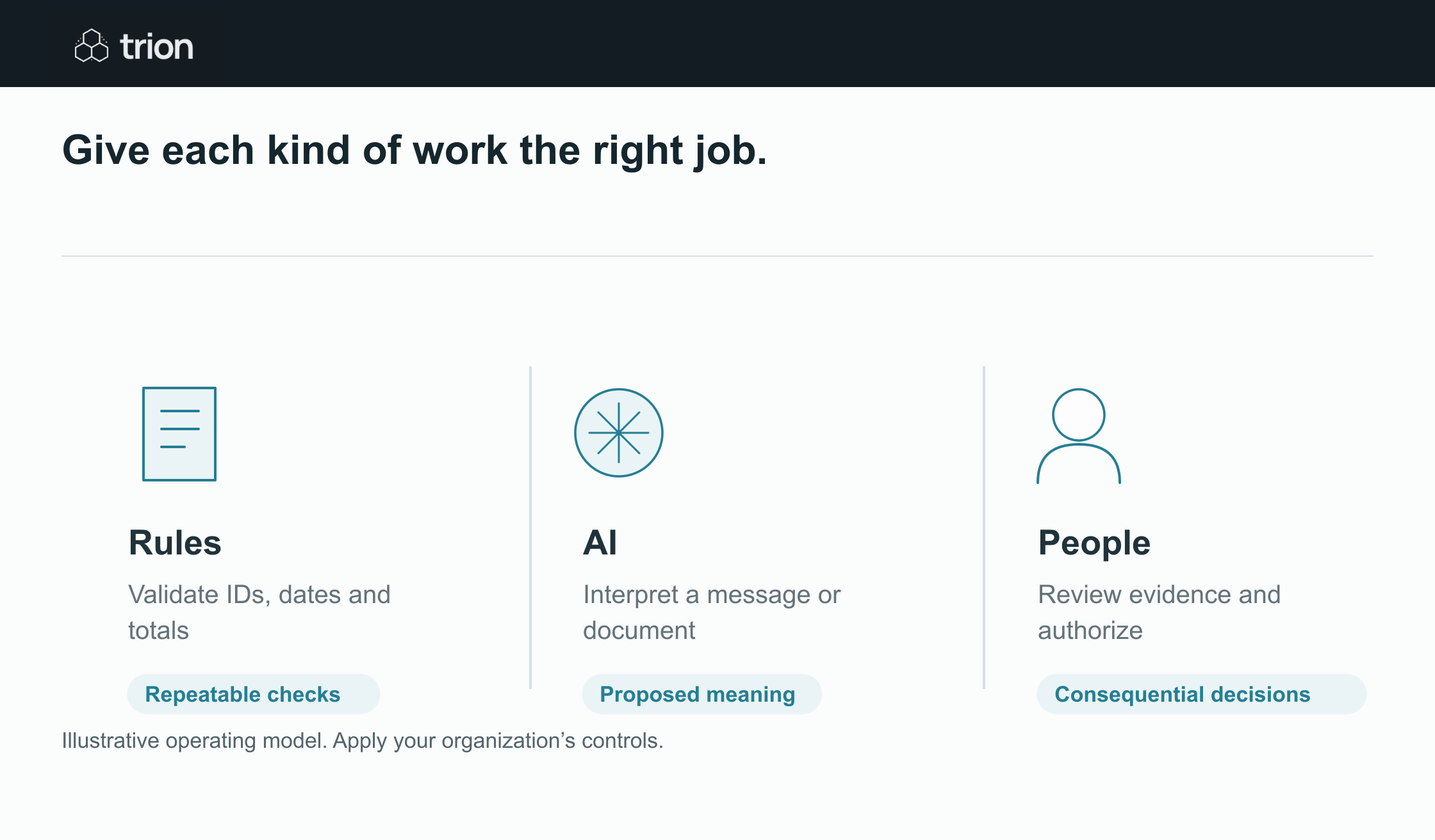

Give each kind of work the right job.
- Rules
- Validate IDs, dates and totals. Repeatable checks
- AI
- Interpret a message or document. Proposed meaning
- People
- Review evidence and authorize. Consequential decisions
View data
| Evidence | Meaning |
|---|---|
| Rules | Validate IDs, dates and totals. Repeatable checks |
| AI | Interpret a message or document. Proposed meaning |
| People | Review evidence and authorize. Consequential decisions |
Illustrative operating model. Apply your organization’s controls.
Download imageWork through one small example
Imagine a service business receiving project enquiries, document submissions, scheduling questions, and supplier notices in one inbox. This is an illustrative design, not a claim about a Trion customer. The initial project covers incoming enquiries only and prepares internal routing suggestions.
- Capture the message reference and the text needed for the task.
- Ask the AI to propose one permitted category and cite the wording that supports it.
- Validate the response against the allowed categories and required fields.
- Apply an explicit routing table to select the internal owner.
- Put conflicting or incomplete suggestions in a review queue.
- Record the final decision and measure whether the owner needed to correct it.
The first version does not need to send a reply. Its purpose is to test whether prepared routing helps the team and whether the review burden is acceptable. Adding external communication creates a separate decision about approval, tone, recipients, and failure handling.
Define the output before selecting the model
Write a small output contract: category, supporting evidence, missing information, suggested owner, and review reason. A response that omits an owner should remain incomplete. An unsupported urgency claim should be flagged. This lets you compare different implementations against the same operational requirement.
Use examples the process owner has labeled, including cases that are hard to classify. Measure agreement with those decisions, the rate of unresolved records, and reviewer correction time. Do not rely on a handful of attractive demonstrations. The difficult cases determine how much support the workflow will require.
Decide what the automation may change
List the systems it may read, the fields it may propose, and the actions it may execute after review. Keep account permissions aligned with that scope. A project that prepares a draft does not need the same authority as one that sends messages or commits orders.
Also decide who handles unreadable attachments, unfamiliar categories, access failures, and changes to the business policy. The design should make those records visible with a named next step. A silent skip may look like a clean execution log while leaving work unattended.
Make the first decision concrete
Use the workflow readiness tool to assess the process and the AI processing cost tool to explore assumptions about document or message volume. The outputs are planning estimates; validate them with actual records and account access in a scoped pilot.
A useful project brief fits in a few sentences: what starts the workflow, what it prepares, who reviews it, and what counts as a correct result. The AI automation topic hub connects this foundation to more specific implementation decisions.