
The right comparison starts with the workflow you need and the team that will operate it. A feature list can help, but account access, supported connector actions, governance, and recovery often decide whether either platform fits the project.
Compare confirmed capabilities first
n8n documents managed Cloud and self-hosted deployment options, with features depending on plan or edition. Power Automate documents cloud flows and desktop flows for different automation scenarios. Power Platform data policies can constrain connector combinations. Check the current entitlement and configuration for each required capability. n8n deployment options; Power Automate flow types; Microsoft data policies.
Those facts do not establish a universal winner. A self-hosting option is useful only if someone can operate it. A platform already present in the company is useful only if its available permissions and connectors cover the actual task.
Write one comparison workflow
Use an illustrative brief: receive an internal request, validate its reference and required fields, look up an account record, prepare an update, request approval, and commit the approved change. Add an unresolved queue and a confirmation record. Test both candidates against that same brief.
List exact read and write operations rather than application names. “CRM integration” might conceal the difference between finding a record, creating a draft, updating a restricted field, and attaching a document. Verify the action with the account role that will run the workflow.
Use a decision table with project evidence
| Area | Evidence to request for each platform |
|---|---|
| Deployment | Allowed hosting option, environment separation, and operating owner |
| Identity | Permitted account, credential ownership, and least required access |
| Integration | Successful test of the exact actions and fields |
| Review | Approval, rejection, changed proposal, and absent reviewer behavior |
| Recovery | Duplicate event, uncertain write, retry limit, and operator handoff |
| Governance | Applicable policy, sharing, change review, and audit requirements |
| Cost | Current entitlement plus implementation, hosting, usage, and support |
Mark a row unknown when you cannot yet prove it. A sales demonstration under a vendor’s account is not the same as an integration test under your organization’s restrictions.
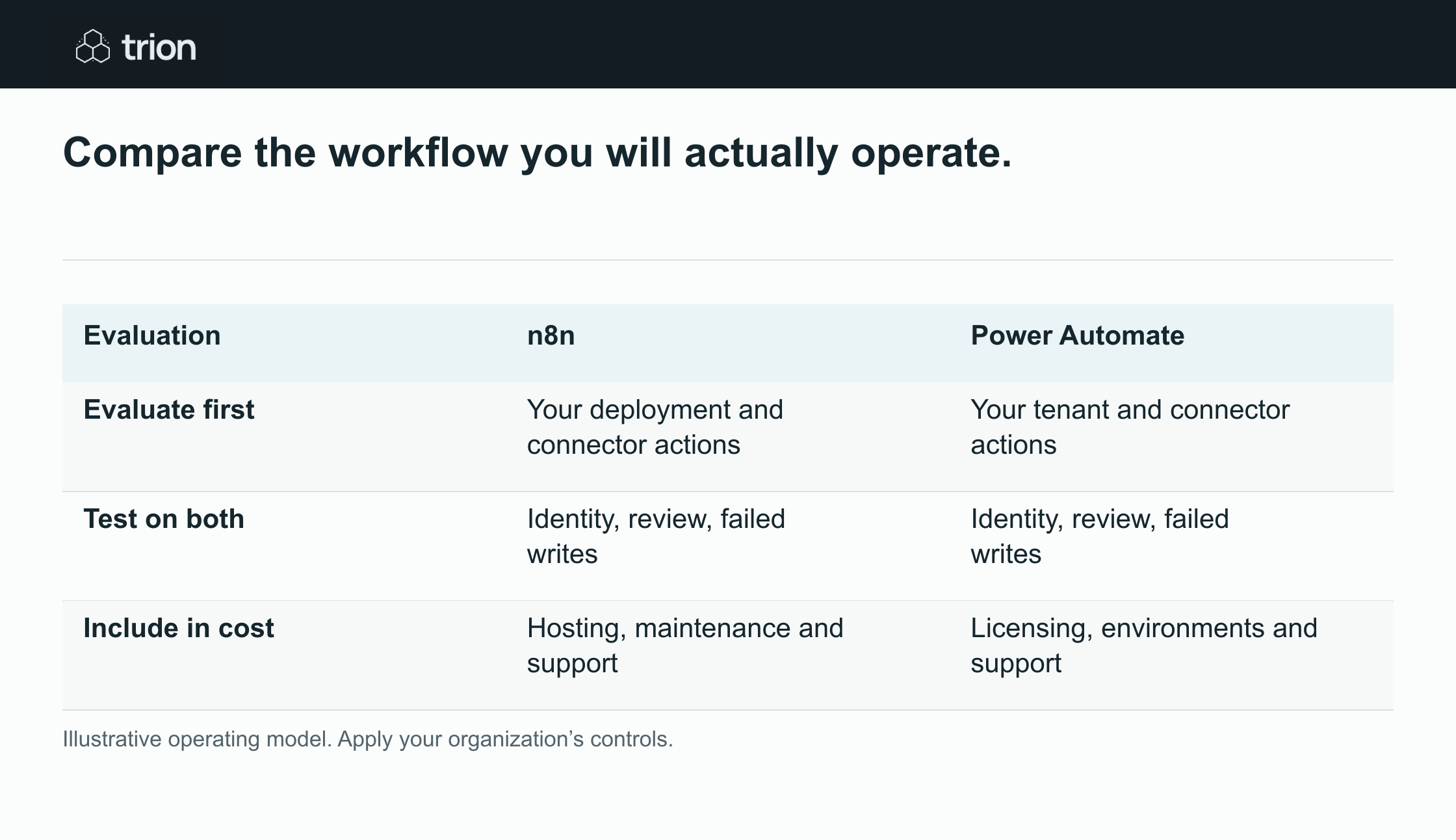

Compare the workflow you will actually operate.
- Evaluate first
- n8nYour deployment and connector actions
- Power AutomateYour tenant and connector actions
- Test on both
- n8nIdentity, review, failed writes
- Power AutomateIdentity, review, failed writes
- Include in cost
- n8nHosting, maintenance and support
- Power AutomateLicensing, environments and support
View data
| Evaluation | n8n | Power Automate |
|---|---|---|
| Evaluate first | Your deployment and connector actions | Your tenant and connector actions |
| Test on both | Identity, review, failed writes | Identity, review, failed writes |
| Include in cost | Hosting, maintenance and support | Licensing, environments and support |
Illustrative operating model. Apply your organization’s controls.
Download imageAccount for the team’s existing operating environment
As a planning judgment, Power Automate is a reasonable initial candidate when the relevant team already operates within a governed Power Platform environment and can use the required actions there. n8n is a reasonable initial candidate when the organization deliberately wants its deployment options and has the technical support to operate the chosen setup.
These are reasons to investigate, not final recommendations. Either candidate can be unsuitable if one critical operation, access requirement, or support condition fails. Record those conditions before spending time rebuilding the entire workflow on a preferred platform.
Do not compare subscription prices in isolation
A price comparison needs the current plan, required capabilities, expected usage, environments, and people involved. Self-hosting adds responsibility for hosting, updates, backups, and recovery. A managed option can still require workflow maintenance, access administration, and incident handling.
Include review and correction time, not just platform charges. Also include the cost of maintaining custom integration logic where a standard connector does not cover the operation. Verify current vendor terms for the intended usage instead of assuming an existing account covers every automation.
Test failure behavior before choosing
Remove a permission, submit incomplete input, reject an approval, repeat an event, and simulate a timeout after a possible write. Ask the operational owner to resolve the result using the proposed support view. If only the builder can understand the run, the handoff needs work regardless of platform.
Review how a workflow change is tested and released. Confirm what history and evidence the team can retain under the selected setup. The evaluation should cover how the workflow will operate next month, not just whether it can produce one correct result today.
Choose against the written brief
Use the readiness tool to record evidence and unresolved requirements, then compare operating scenarios in the ROI tool. A scoped pilot should confirm the important rows with actual account access. Choose the candidate that meets the workflow, authority, recovery, and support requirements your team has agreed.