
The build-versus-buy decision is about who owns the behavior and the operating work. A purchased product still needs configuration and integration. A custom workflow still depends on platforms and services. Compare the commitment over the period you expect to use it.
Reject options that fail a necessary requirement
List the operations, approval behavior, data boundaries, account access, record retention, recovery, and support commitments the workflow must satisfy. Mark each requirement as necessary or preferred. A low subscription price cannot compensate for an inability to preserve the required approval evidence.
AWS’s enterprise-strategy discussion challenges a simple rule to build differentiating software and buy everything else. It points to configuration, customization, and delivery feedback as considerations beyond the initial purchase decision. Treat that as a vendor perspective; test your own requirements and costs rather than accepting a universal formula. AWS’s build-versus-buy discussion.
Compare three implementation boundaries
| Option | What you adopt | What your team still owns |
|---|---|---|
| Standard product | Existing process behavior and supported settings | Configuration, access, source data, and business policy |
| Tailored platform workflow | Platform execution with your defined logic | Workflow changes, integration mappings, and exceptions |
| Custom software | Behavior implemented for your requirement | Software lifecycle, dependencies, operations, and handover |
The boundaries depend on the actual service agreement. Do not assume a vendor maintains your custom logic, or that a contractor’s delivery includes continuing support. Ask for the division of responsibility in writing.
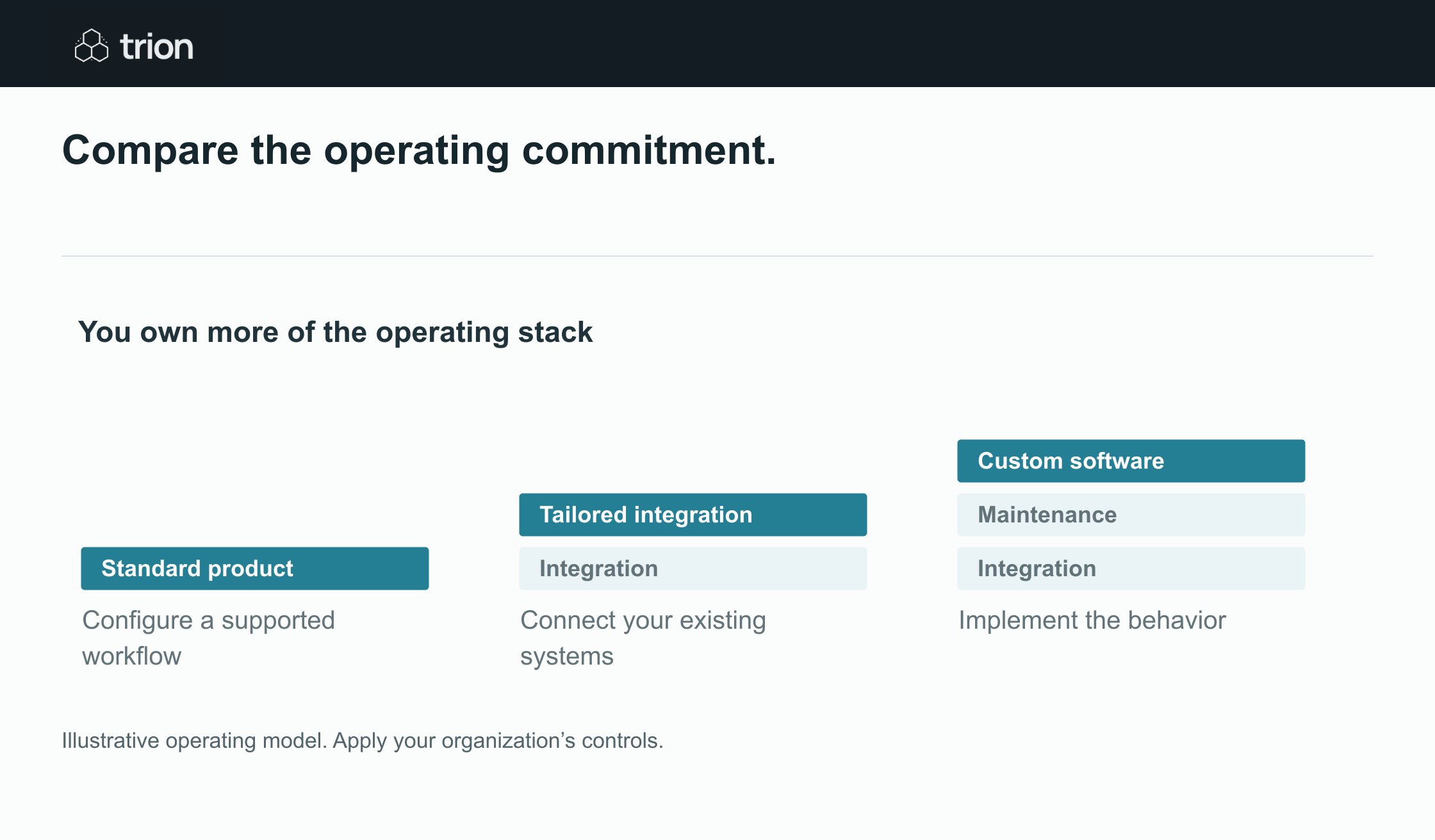

Compare the operating commitment.
- Standard product
- Configure a supported workflow. Check its boundaries
- Tailored integration
- Connect your existing systems. Own the handoffs
- Custom software
- Implement the behavior. Own the maintenance
View data
| Evidence | Meaning |
|---|---|
| Standard product | Configure a supported workflow. Check its boundaries |
| Tailored integration | Connect your existing systems. Own the handoffs |
| Custom software | Implement the behavior. Own the maintenance |
Illustrative operating model. Apply your organization’s controls.
Download imageUse one fictional cost worksheet
Assume a custom option costs $15,000 to implement and $500 per month to operate. A configured product option costs $6,000 initially and $1,800 per month. For this fictional comparison, recurring amounts include the expected platform, hosting, support, and maintenance scope. They are not market prices or Trion quotes.
At twelve months, the custom option totals $21,000 and the configured option $27,600. At twenty-four months, they total $27,000 and $49,200. The nominal cost crossover is approximately 6.9 months: $9,000 divided by the $1,300 monthly difference. This comparison excludes discounting and depends entirely on the assumptions.
A cost crossover is not a recommendation to build. If the custom option cannot meet the support requirement, or needs unbudgeted changes, the apparent advantage may disappear. If the product option reduces a documented implementation risk, that evidence deserves separate consideration.
Include the work often omitted
- Data cleanup, migration, and verification of opening records.
- Connector gaps and custom field mappings.
- Identity setup, permission reviews, and credential ownership.
- Training, reviewer effort, and time spent resolving exceptions.
- Changes to the source application or business policy.
- Monitoring, recovery, and support outside normal working hours.
- Export, transition, and decommissioning at the end of use.
Test the exit as well as the demonstration
Ask each option to export a request, its source references, approval decisions, current status, and history in a usable format. Check how external identifiers survive a transition. Confirm who can access the workflow definition and operating notes if the original builder or vendor is unavailable.
Use the same small case set to test changed rules, access failure, and recovery after a partial write. This guide compares implementation ownership; the separate platform-comparison guides evaluate particular technologies.
Record the decision and its expiry condition
Document the selected option, unmet preferences, cost assumptions, support owner, and the conditions that would justify reconsideration. Use the ROI tool for scenarios and the readiness tool for necessary requirements. Choose against demonstrated fit and an explicit operating agreement, then revisit when scope, volume, or responsibilities change.