
Separate progress from readiness
Consider a consultancy that has received four of six requested files. The signed scope is missing. Showing “67% complete” can help describe collection, but it does not mean the team is 67% ready to begin contracted work. Readiness depends on which prerequisite is missing and which action it blocks.
Keep collection, review and activation states distinct. A received tax form may still need a correction. A reviewed scope may still require a separate authorized acceptance. Define a completed task by its outcome, rather than by someone ticking its name.
Asana’s dependency documentation describes tasks that block or are blocked by others, including tasks with multiple prerequisites. Its task dependency model illustrates a useful distinction for onboarding. Apply that model to the review conditions in the checklist below.
Write prerequisites as observable conditions
| Task | May begin when | Completion evidence |
|---|---|---|
| Review scope | Current scope received | Reviewer accepts the identified revision |
| Prepare project space | Client identity confirmed | Correct client space and permissions confirmed |
| Schedule kickoff | Scope accepted and owner assigned | Booking confirmed for the agreed participants |
| Activate service | Required acceptance and setup checks complete | Authorized activation recorded |
Use conditions that another person can inspect. “Everything ready” does not specify whether a signed file, accepted scope, payment condition or approved access is missing. A task may have several prerequisites; list all of them and the record that satisfies each.
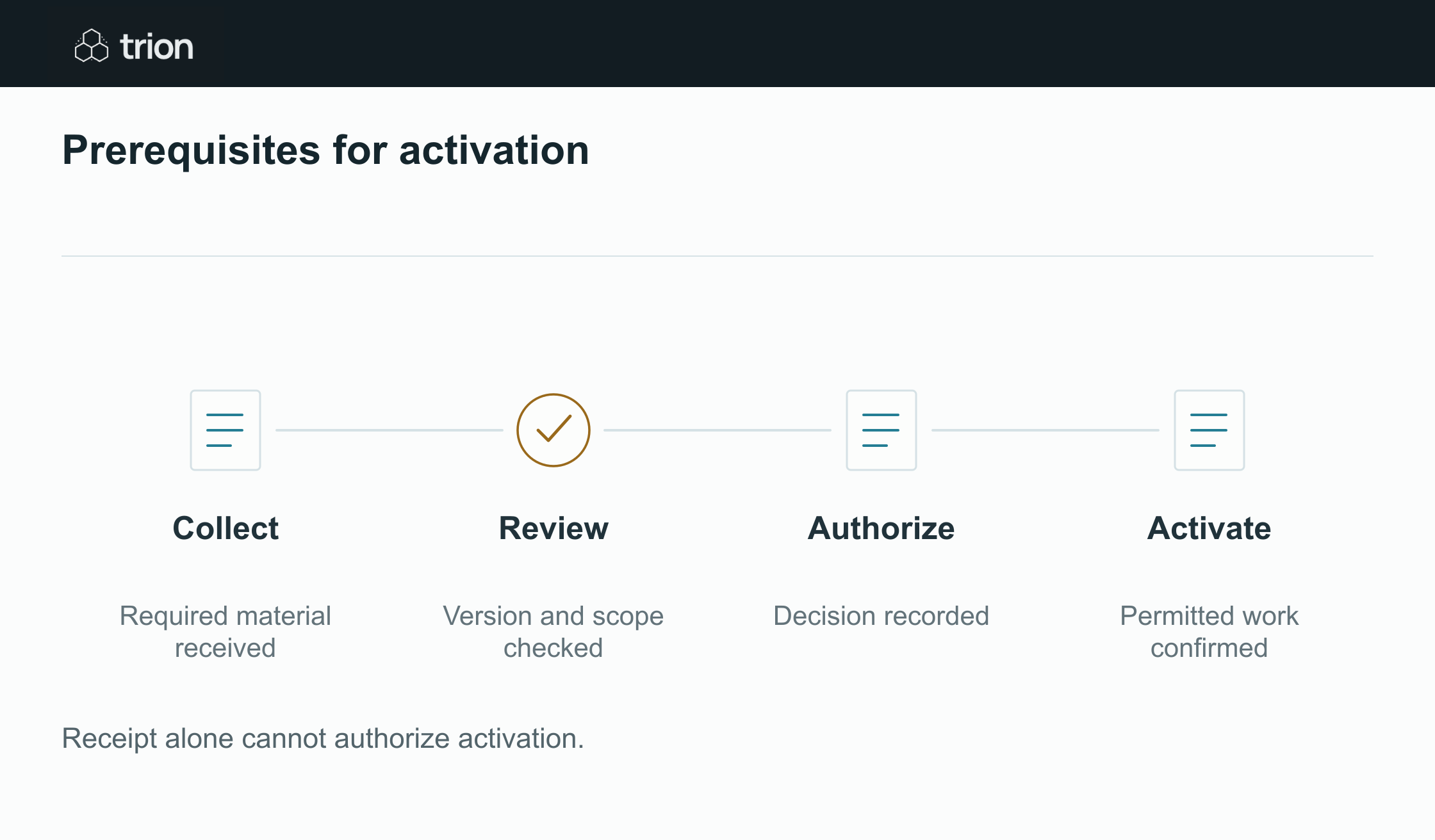

Prerequisites for activation
- Collect
- Required material received
- Review
- Version and scope checked
- Authorize
- Decision recorded
- Activate
- Permitted work confirmed
| Evidence | Meaning |
|---|---|
| Collect | Required material received |
| Review | Version and scope checked |
| Authorize | Decision recorded |
| Activate | Permitted work confirmed |
Receipt alone cannot authorize activation.
Separate sequencing from urgency. A high-priority activation still cannot bypass its required authorization. Conversely, a project space can sometimes be prepared while scope review is pending, if the organization permits that preparation and controls access.
Design conditional requirements explicitly
In this checklist, clients requesting access to a restricted system need an access review. Other clients do not. Evaluate that branch using an accepted service selection, record the rule version and show the task as not applicable when the condition is false.
Do not count not-applicable tasks as verified evidence. They are omitted under a documented rule. If the service selection changes, reevaluate the branch and reopen the relevant prerequisite. A historical omission should not silently authorize newly requested access.
Model dependencies without cycles. If scope review waits for scheduling while scheduling waits for scope review, the case cannot proceed. Resolve the actual operating sequence or identify a permitted provisional step instead of sending reminders around the loop.
Show partial completion in the work queue
Use a concise status such as “4 of 6 files received; signed scope missing”. Inside the case, show each required item as missing, received, needs correction or accepted. Put the actionable task and its owner ahead of a generic progress percentage.
Only collapse a task into its completed summary after its defined evidence exists. An upload animation can acknowledge receipt while leaving the review task open. This gives the client and operator a sense of progress without implying that unreviewed material is already accepted.
The document collection guide covers intake and storage; this dependency table identifies the review decisions that must follow.
Request the blocker rather than the whole checklist again
Prepare a follow-up naming the specific unresolved item, required correction and due date. Link to the permitted submission route. Avoid asking for documents already accepted, and recheck the case immediately before sending so a recent upload does not trigger an unnecessary reminder.
If an owner is absent, use the approved reassignment rule. Keep the original task, current assignee and decision evidence connected. Forwarding an email to another person does not by itself transfer responsibility in the checklist.
Test changes after apparent completion
Try a superseded scope, corrected upload, withdrawn client, newly applicable access requirement and duplicate submission. Check which tasks reopen, which confirmed setup remains and whether downstream activation is blocked when its evidence becomes stale.
Use the dependency table as the acceptance checklist for Trion’s client document workflow.