
Client document collection with Gmail and Drive
Know what arrived, what passed review and what is still missing.
Scoped pilot · Access agreed · Human approval
The working route
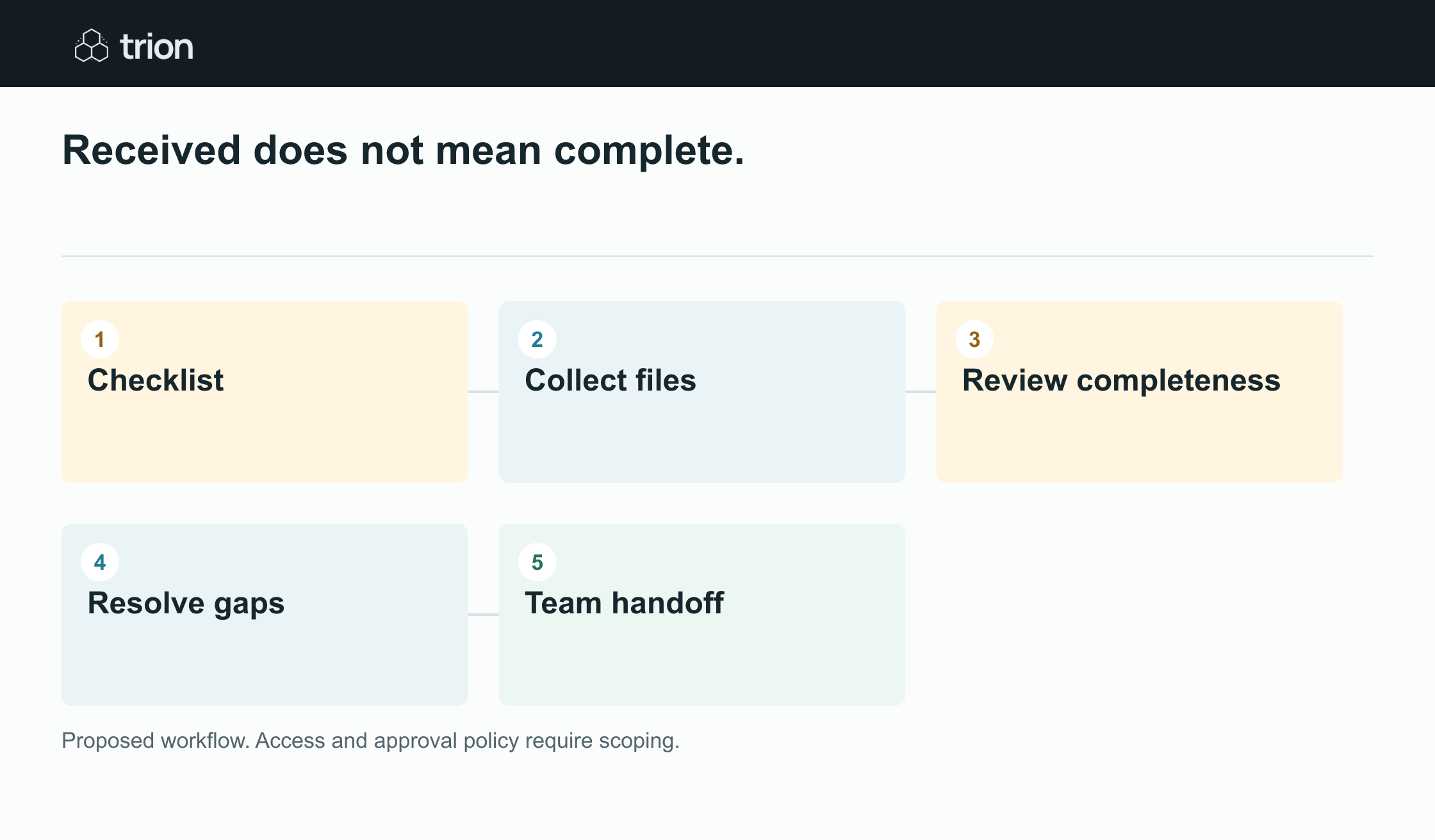
- Checklist
- Collect files
- Review completeness
- Resolve gaps
- Team handoff
How each step works
Define the checklist for this client
Specify each required document, its purpose, accepted format, due date, reviewer, and completion rule. Separate required items from optional ones and give every item a stable reference.
Prepare the request and upload route
Create a concise Gmail draft and a client-specific collection route. Review recipients and intended access before sharing the request.
Record incoming files with provenance
Associate received attachments and files with the checklist item, client, sender, date, and source message. Preserve originals and flag possible duplicates or replacements.
Review completeness and permissions
Ask a named reviewer to accept the document or state what needs to change. Check the actual access granted to the intended client and the internal team.
Follow up on the remaining items
Prepare reminders that list only outstanding or rejected items, the reason, and the next step. Close collection only when required items meet the agreed acceptance rules.
Received does not mean complete.
Received files still need a decision.
Deliverables & scope
- Client checklist
- Access plan
- Source-linked files
- Review queue
- Reminder drafts
- Handoff checks
Full deliverables and scope
Document collection becomes difficult when every client has a different thread and every received file is treated as complete. Trion can design an intake workflow around Gmail, Drive, and a shared checklist. It distinguishes a received file from an accepted document, keeps permissions deliberate, and gives the team a clear next action.
Deliverables
- A client document checklist with owners and acceptance rules.
- A folder and access plan for the agreed client intake process.
- An intake record that links received files to their source and checklist item.
- A review queue for missing, duplicate, outdated, or incomplete documents.
- Reviewed request and reminder drafts based on the current checklist.
- Pilot checks covering file access, status accuracy, and team handoff.
Controls and limitations
- Gmail and Drive access, sharing rules, and supported intake routes must be confirmed in a pilot with your account setup.
- The workflow tracks receipt and review. It does not verify authenticity or replace your professional review of a document.
- Sensitive document categories require an agreed handling and retention policy before collection begins.
- External sharing, client emails, and changes to access require review before sending or committing at the agreed control points.
- Permission problems and conflicting versions escalate to a named owner rather than being resolved through broader sharing.
Common questions
Can clients continue replying by email?
That can be part of the scoped workflow. Incoming attachments need to be matched to the client and checklist item, stored in the agreed location, and reviewed before the item is marked accepted.
Does a file upload mark a document complete?
It should mark the item received. Acceptance is a separate step based on the document-specific rule, such as the correct period, required pages, or an approved signature review.
How are Drive permissions handled?
The pilot defines who needs access and tests that access using the intended recipients. Sharing changes are reviewable, and an inaccessible folder is treated as a permissions issue, not a reason to broaden access indiscriminately.
Can reminders be tailored to what is missing?
Yes, the design can prepare a reminder from the current checklist, including the missing item and correction needed. A reviewer checks the recipients and wording before it is sent.