
Gmail procurement automation
Connect supplier replies, quote evidence and the next purchasing decision.
Scoped pilot · Access agreed · Human approval
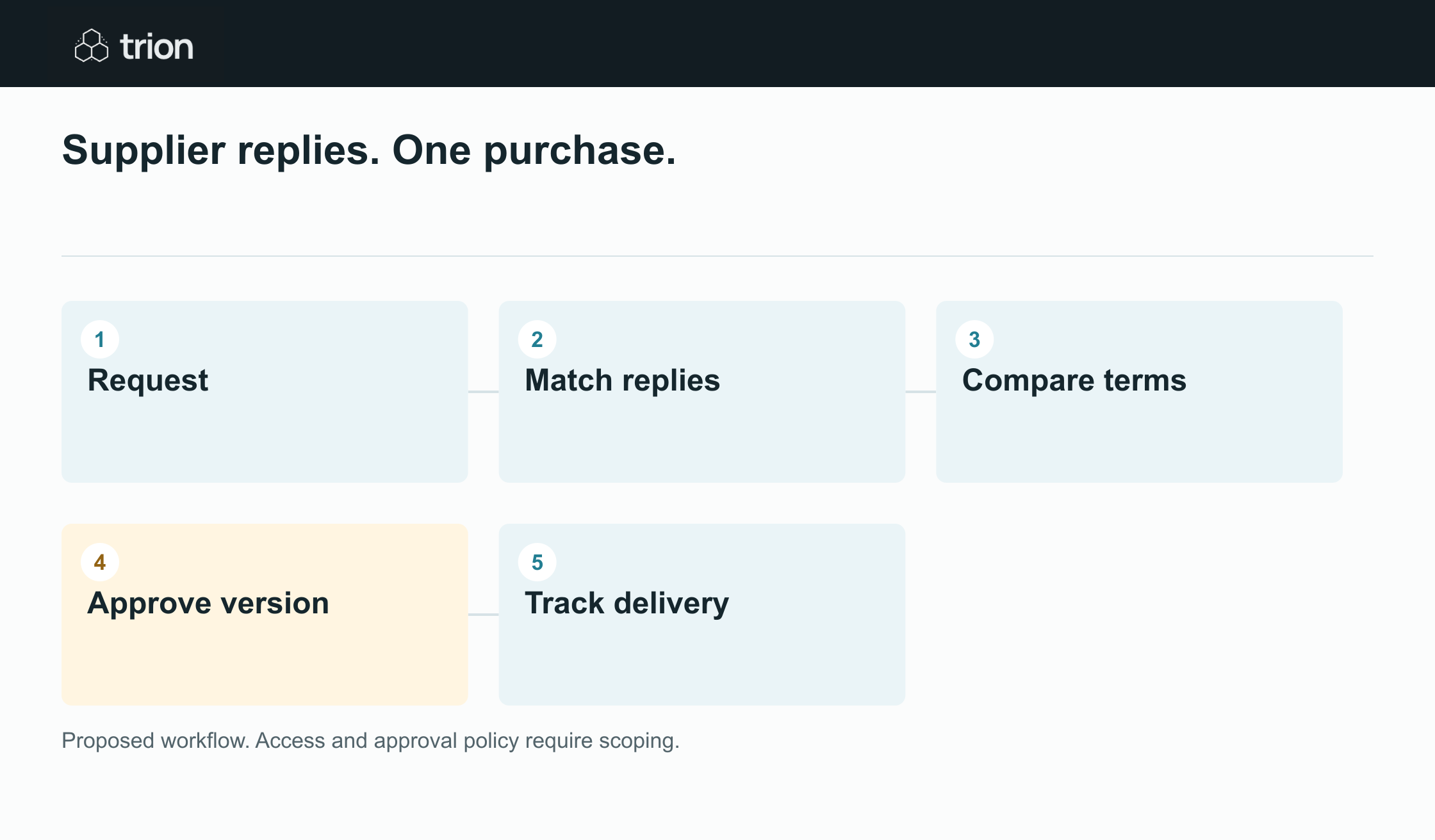
The working route
- Request
- Match replies
- Compare terms
- Approve version
- Track delivery
How each step works
Capture a structured purchase request
Record the request reference, requester, specification, quantity, unit, required date, and approver. Keep the original message and attachment as evidence, and ask for missing decision fields.
Match supplier replies with review
Use request references, supplier identity, line descriptions, and conversation context to suggest a match. Route ambiguous replies to a review queue instead of attaching them silently.
Prepare a comparable quote view
Preserve the quoted values, then normalize pack sizes, units, currency assumptions, freight, tax treatment, lead times, and payment terms. Show unknown costs explicitly.
Surface exceptions before approval
Highlight revised quantities, deposit requests, warranty changes, substitutions, and expired quotations. Keep the approval attached to the exact version reviewed.
Track the next operational step
Prepare supplier questions, purchasing drafts, and receipt updates for review. Separate ordered, received, accepted, and invoiced quantities so a partial delivery stays visible.
Supplier replies. One purchase.
Deliverables & scope
- Request record
- Matched sources
- Quote comparison
- Question log
- Version approval
- Pilot checks
Full deliverables and scope
A purchasing decision often spans several emails, attachments, and spreadsheets. Trion can design a workflow that captures the request, suggests which supplier reply belongs to it, and prepares a comparison with the original evidence attached. Your team reviews uncertain matches, incomplete costs, and changed terms before an action is sent or committed.
Deliverables
- A purchase request schema and a documented route for incomplete requests.
- A supplier email matching policy with visible evidence and a manual review queue.
- A quotation comparison view that preserves source values and flags unknown costs.
- A supplier question log and approval record tied to a quote version.
- Reviewed email drafts and status updates at the agreed approval points.
- Pilot acceptance checks, handover notes, and a list of remaining exceptions.
Controls and limitations
- Gmail, Drive, and any purchasing system integration require agreed account access and a scoped pilot.
- PDF and email extraction must be tested against your actual documents. Unreadable or conflicting values need human review.
- The workflow proposes matches and comparisons. It does not decide supplier suitability or interpret commercial terms for you.
- Supplier messages, purchase orders, and system changes require approval before sending or committing at the agreed control points.
- Payment terms, warranty changes, substitutions, and other flagged exceptions escalate to a named human reviewer.
Common questions
Can this work with our existing Gmail process?
The starting point is your actual inbox, request format, and approval route. A pilot tests a defined set of messages and documents before a wider rollout. Required access and integration limits are agreed during that scope.
What happens when an email could belong to two requests?
It stays unresolved with the candidate requests and matching evidence visible. A reviewer assigns or splits it. The workflow should not turn a weak match into a purchase record without that decision.
Will it send purchase orders automatically?
The proposed default is to prepare a draft and require approval before sending or committing it. The pilot defines each control point and who is allowed to approve it.
Can it compare quotations with different currencies or pack sizes?
It can be designed to show normalized quantities and reference conversions alongside the original quote. Exchange rate assumptions, cost exclusions, and uncertain pack sizes must remain visible for review.