
Microsoft introduces one registry for Copilot plugins
A shared plugin registry makes connected capabilities easier to find. The more consequential question for an organization is what each capability can do once someone starts using it with real business records.
Discovery and administration share a route
Microsoft’s registry announcement describes plugins that package instructions, connectors and agents across supported Copilot experiences. Administrators can approve, block and assign access through Agent 365. Some connectors are still rolling out, and support for additional platforms is described as future work.
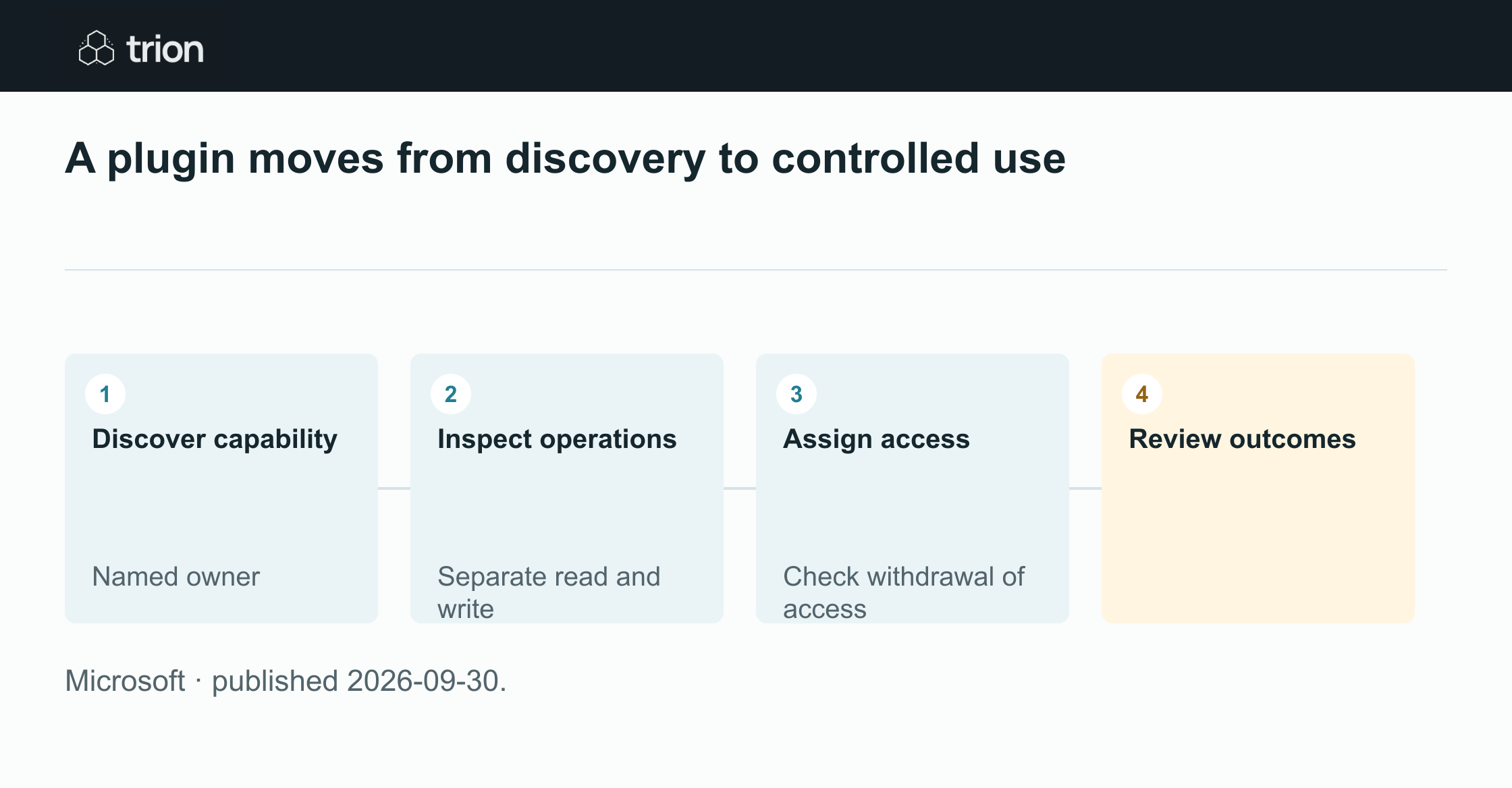

A plugin moves from discovery to controlled use
- Discover capability
Named owner
- Inspect operations
Separate read and write
- Assign access
Check withdrawal of access
- Review outcomes
- Discover capabilityNamed owner
- Inspect operationsSeparate read and write
- Assign accessCheck withdrawal of access
- Review outcomes
Microsoft · published 2026-09-30.
A central catalog helps establish what is available and who may use it. It does not, by itself, demonstrate that an application operation matches a company’s approval process. A team still needs to understand the connected system and the authority used for each action.
Read the operation, not just the description
Take a proposed supplier-record plugin. Searching for a supplier, proposing a new address and changing bank details are materially different operations. A short catalog description can obscure that difference. Build an operation map showing the input, affected record and possible effect of each supported tool.
Include who owns the connection and who can withdraw it. A purchasing team might support reading an approved supplier list while requiring a separately reviewed path for changes. That operating decision should be understandable to the buyer and the administrator, rather than living only in an instruction file.
A small approval review for a plugin
Use this suggested checklist before widening access to a connected capability. It is an operational review structure, not a substitute for the platform’s current administrative documentation. Begin with one supported action and inspect the actual configuration.
Keep the resulting record short enough that its owner can maintain it. The useful artifact is a capability card with the operation, authority, permitted audience, failure behavior and owner; a long generic risk inventory is harder to keep current.
Inspect the boundary
Identify the system the plugin reaches and the exact read or write operations it exposes. Check whether access follows a user or another configured identity. Record how the target system enforces permissions and what information can leave it.
Exercise the intended action
Use an approved test record and confirm the requested operation reaches the correct object. Include a denied operation and an ambiguous supplier name. Check that missing authority or uncertainty produces a visible stop instead of a guessed update.
Check withdrawal and ownership
Verify the supported way to remove access and inspect what happens to active work. Assign an owner for connection changes, failed requests and plugin updates. Preserve enough action evidence to investigate an incorrect result without recording unnecessary record contents.
Keep the review current
When a plugin update adds a tool, review that new effect before treating it as equivalent to the old package. A capability that used to retrieve records may later offer bulk changes. The product name can remain the same while the operational boundary changes substantially.
Judge adoption through completed, permitted work and understandable failures. A popular plugin with repeated manual repair is an operating burden. A narrower tool that reliably prepares the next decision may be more useful than broad access to a system that the team cannot confidently supervise.
Original sources
- Microsoft: original announcementtechcommunity.microsoft.com