
SharePoint Copilot expands PDF, version and workflow tasks
The October SharePoint update concentrates on what happens after content is created. PDF restructuring and version review are particularly relevant when different people need different parts of the same purchasing evidence.
More of the document workflow stays in place
Microsoft’s monthly update describes extracting, inserting, reordering and splitting PDF content, plus explaining and restoring earlier file versions. General availability rollout began on 30 September. Selected capabilities, including Advanced Autofill and site analytics, use Copilot Credits; the described collaboration workflows require Power Automate access.
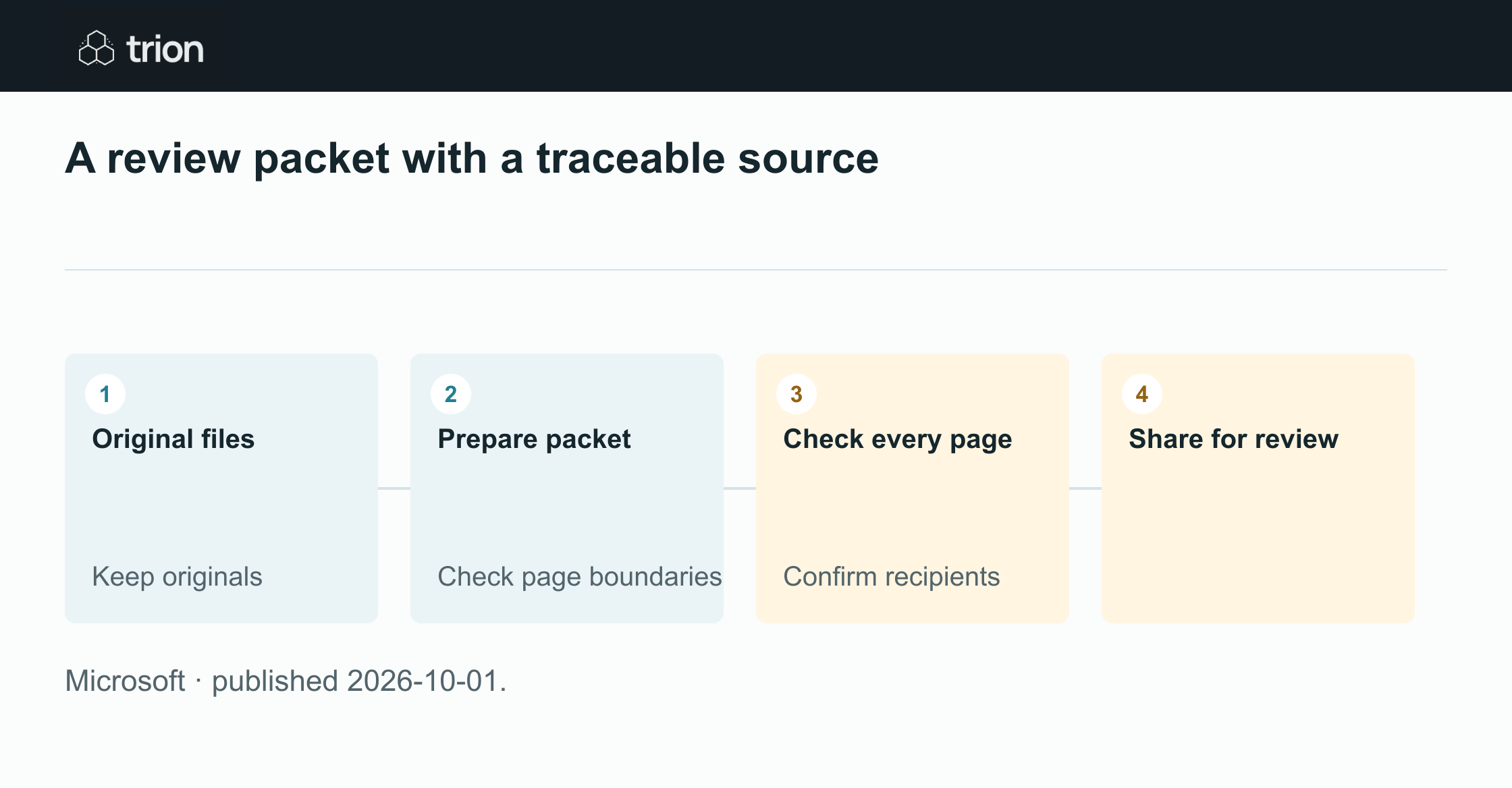

A review packet with a traceable source
- Original files
Keep originals
- Prepare packet
Check page boundaries
- Check every page
Confirm recipients
- Share for review
- Original filesKeep originals
- Prepare packetCheck page boundaries
- Check every pageConfirm recipients
- Share for review
Microsoft · published 2026-10-01.
The practical opportunity is a reviewer-specific packet that remains traceable to its originals. Reshaping a document changes its presentation, not the meaning of its terms. A pricing section can lose an important qualification if the surrounding pages are omitted without review.
Prepare the packet around the decision
Imagine a supplier response containing a quotation, technical specification, warranty and delivery schedule. Finance may need the commercial sections, while an engineer needs the specification and exclusions. Define what each reviewer is deciding before selecting the pages. Otherwise a shorter packet may simply remove context they need.
Retain the full response separately and identify the source revision used for the packet. Add a compact contents list in the accompanying review record: original file, page range, destination reviewer and reason for inclusion. This makes the selection inspectable without modifying the supplier’s original evidence.
Try a controlled PDF review packet
Use approved sample documents for this suggested exercise. Choose a response with an exclusion on a different page from its price. That tests whether the packet preserves commercial context, rather than merely demonstrating that pages can be rearranged.
The suggested prompt describes a desired output and a review boundary. Confirm the feature is available in your environment, then inspect the generated files before distributing them. A prepared packet is still awaiting acceptance at that point.
Specify the reviewer’s scope
List the decision and the sections needed to make it. Include related qualifications, attachments and signature pages where relevant. Identify the exact source version, and ask for a separate output so the original response stays intact.
Check the assembled pages
Compare the output with the source: page order, legibility, exclusions, totals and attachment references. Check that no table is cut across a missing page. Record any omitted section whose absence could affect the reviewer’s interpretation.
Share an accepted packet
Confirm the reviewer and the distribution scope using your organization’s approved sharing process. Attach or link the accepted packet with its source reference. Keep a route to the full original for follow-up questions and subsequent commercial review.
Prepare a separate commercial review packet from this response. Include pricing, payment, delivery, warranty and all related qualifications. Identify the source pages used and any ambiguous boundaries. Keep the original file unchanged and prepare the packet for my review.Recover changes without losing the decision
If an internal packet is edited incorrectly, inspect what changed before restoring it. A restoration should recover the intended working document while preserving the fact that a later version existed. Keep the accepted review decision tied to the version it actually examined.
Metadata can help locate the right packet, but an extracted field is not a verified commercial term. Keep preparation, checking and acceptance visible as separate steps. That separation lets a team automate document handling without allowing a well-organized library to imply approval that never occurred.
Original sources
- Microsoft: original announcementtechcommunity.microsoft.com