
Word, Excel and PowerPoint move inside the Copilot app
Microsoft is putting familiar Office work inside the Copilot conversation. For teams, the interesting change is continuity: a generated draft can become the same document colleagues edit, discuss and eventually accept.
The same file, closer to the conversation
Microsoft’s announcement brings Word, Excel and PowerPoint editing and collaboration into the new Copilot app. Files sit beside the conversation, can also open in standalone Office apps, and remain stored in OneDrive with permissions and version history. The rollout begins with Frontier customers in Chat and Cowork.
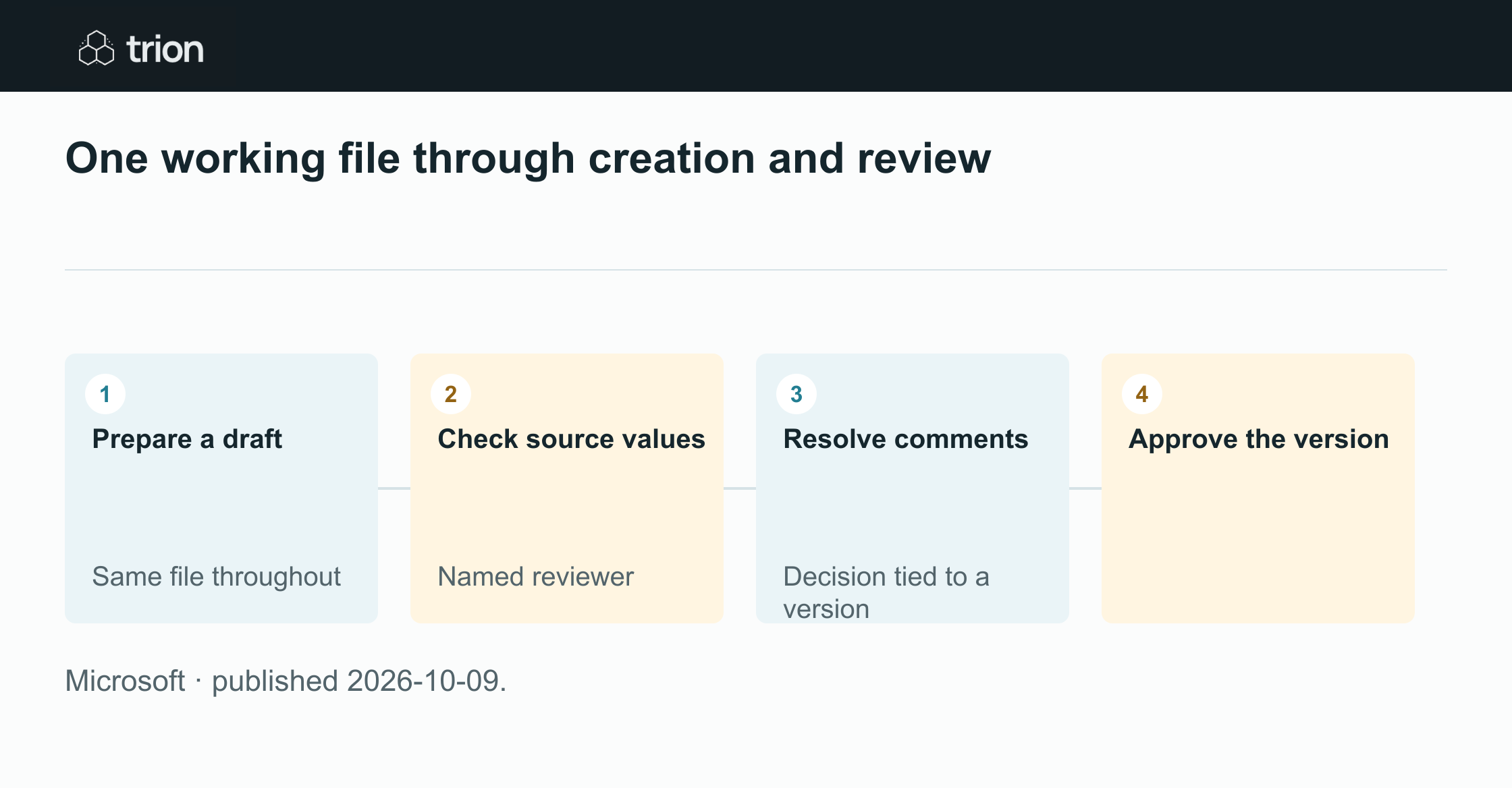

One working file through creation and review
- Prepare a draft
Same file throughout
- Check source values
Named reviewer
- Resolve comments
Decision tied to a version
- Approve the version
- Prepare a draftSame file throughout
- Check source valuesNamed reviewer
- Resolve commentsDecision tied to a version
- Approve the version
Microsoft · published 2026-10-09.
This connects creation with review, but does not settle the business decision contained in a file. A comparison can look complete while freight is missing or a proposed commercial term is still unapproved. The reviewer needs a clear working record, not simply a polished document.
Design the comparison for its reviewer
For example, a supplier workbook can contain an input sheet, a comparison and a decision note. Keep source values separate from calculations. Label currency, units and tax treatment where they are used, so a reviewer does not have to reconstruct the assumptions from a paragraph elsewhere.
Put exceptions near the relevant values. Unknown delivery cost belongs beside the delivered total; a warranty qualification belongs beside the warranty comparison. A summary can then explain the tradeoff without hiding the issue in comments or making an incomplete offer appear directly comparable.
A practical review handoff
This suggested exercise works with any shared comparison document; the new integration makes it a useful Copilot evaluation. Use approved sample quotations and a reviewer who was not involved in preparing the draft. Keep a copy of the starting inputs.
The aim is to test whether shared editing preserves the reasoning and evidence through a real correction. Choose a meaningful change, such as a missing freight amount, instead of changing a heading merely to demonstrate collaboration.
Prepare a bounded draft
Ask for a comparison using only the nominated quotations. Require explicit unknowns, source references and separate calculated totals. Check that the resulting file has the structure the reviewer needs before improving its visual presentation.
Make one review correction
Have the reviewer challenge a value or assumption in the working document. Resolve the comment against the original evidence, update the affected calculation and check whether the recommendation also needs to change. Preserve the reason for the correction.
Accept a particular version
Record which version the reviewer accepted and what remains conditional. If a supplier later sends new terms, treat them as a new review input. Do not let a silently updated workbook inherit an approval given to different commercial terms.
Measure continuity, not document volume
Count how often the reviewer asks for a missing source, finds the wrong version or needs a separate explanation. Those observations show whether the shared file actually carries the work forward. Producing more documents can make the problem worse if no one knows which one contains the accepted decision.
Keep one obvious working file for the review and an explicit accepted version for the decision. A conversation can help produce and refine the work, while the document remains understandable to colleagues who were never part of that conversation. That is the handoff worth testing.
Original sources
- Microsoft: original announcementtechcommunity.microsoft.com