
Copilot Notebooks adds task delegation and editable reports
Copilot Notebooks is moving from a collection of references toward a workspace that can prepare deliverables. The practical opportunity is a project brief whose conclusions remain connected to the documents behind them.
What the October update changes
In Microsoft’s October announcement, Notebooks gains simple task delegation, direct Office editing and interactive reports. Markdown, TXT and RTF references are generally available. Several work and artifact features are in Frontier, while notebook creation through chat and simple scheduled automations are coming in the following weeks.
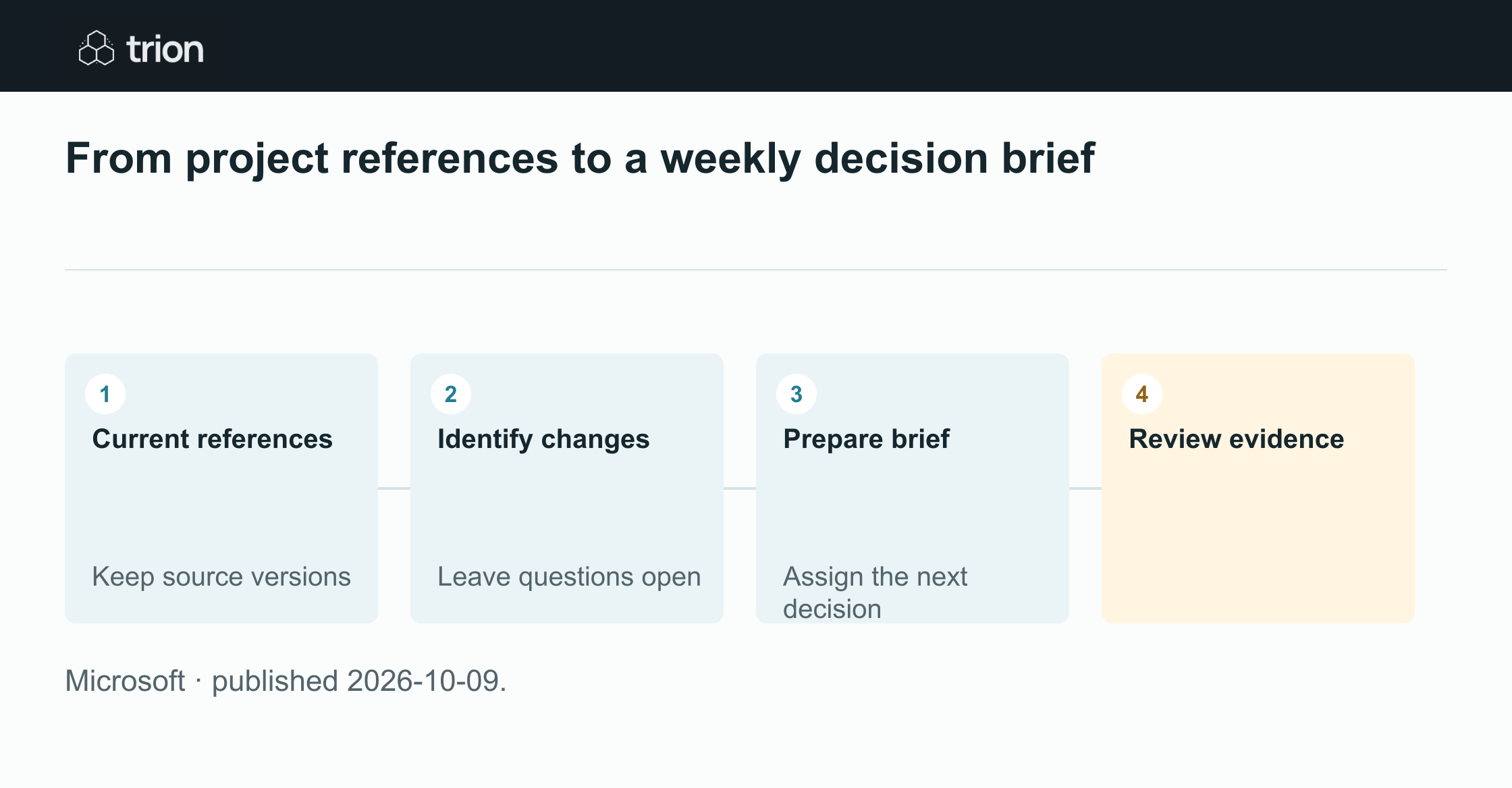

From project references to a weekly decision brief
- Current references
Keep source versions
- Identify changes
Leave questions open
- Prepare brief
Assign the next decision
- Review evidence
- Current referencesKeep source versions
- Identify changesLeave questions open
- Prepare briefAssign the next decision
- Review evidence
Microsoft · published 2026-10-09.
Availability matters when planning a recurring process. A team can evaluate the released reference and editing capabilities now, but should check its own access before relying on an announced automation. The useful unit of work is a complete brief, including its supporting material and outstanding questions.
A brief that distinguishes change from noise
Consider a procurement project with a request, supplier quotations and clarification messages. A weekly update should identify a revised delivery promise or a new payment condition. Repeating every unchanged line makes the consequential change harder to find. Organize the proposed brief around decisions, changes and unanswered questions.
Keep a small source register: document name, supplier, revision and the date it entered the project. When two files disagree, the brief should display the conflict and its evidence. A more recent file is not automatically an approved replacement; that depends on the actual commercial review.
Try one source-backed project update
Use a small, approved document set for this suggested exercise. Include one changed quotation and one question that the supplier has not answered. The exercise is designed to reveal whether a reviewer can follow the update back to its evidence.
Treat the prompt below as a starting point and adapt it to your records. A concise output is useful only if it preserves the distinctions your buyer needs to make.
Establish the comparison
Keep the previous brief and identify the source versions it used. Select the current references for this review. Note which documents are proposed revisions, which are accepted records and which are only background context.
Request the consequential changes
Ask for changes to price, payment, delivery and warranty, with a source for each claim. Require unanswered questions to stay separate from confirmed commitments. Ask the assistant to leave a missing amount unknown rather than fill it from context.
Review before circulation
Check one changed value and every suggested decision against the original files. Correct the working brief, assign an owner to each open question and record the versions reviewed. Circulate the accepted brief through your normal approval process.
Using these project references, prepare a short update: consequential changes since the previous brief; unresolved questions; and decisions requiring a named owner. Cite each source. Keep proposals separate from accepted terms. Do not infer missing prices or commitments.Judge the handoff
Ask another buyer to read the brief without hearing the chat that created it. They should be able to find the current terms, understand why a decision is pending and open the evidence. If they need the author to explain each line, the deliverable still depends on private context.
For a recurring update, retain the previous accepted brief and its source set. This lets the team distinguish a new business event from a different generated phrasing. The durable result is a project record that remains useful after the original conversation ends.
Original sources
- Microsoft: original announcementtechcommunity.microsoft.com