
Copilot Search adds a conversation beside the results
Copilot Search now places a conversation beside the results. That can shorten the path from finding a document to asking what it means, provided the resulting answer keeps the relevant source visible.
Search and follow-up questions meet
Microsoft’s 6 October release notes describe integrated Search and Chat on Windows and web. The documented flow is to enter a query in Copilot Search, inspect the results, then use the chat pane for follow-up questions or content based on that context. Microsoft notes that feature rollout can be gradual.
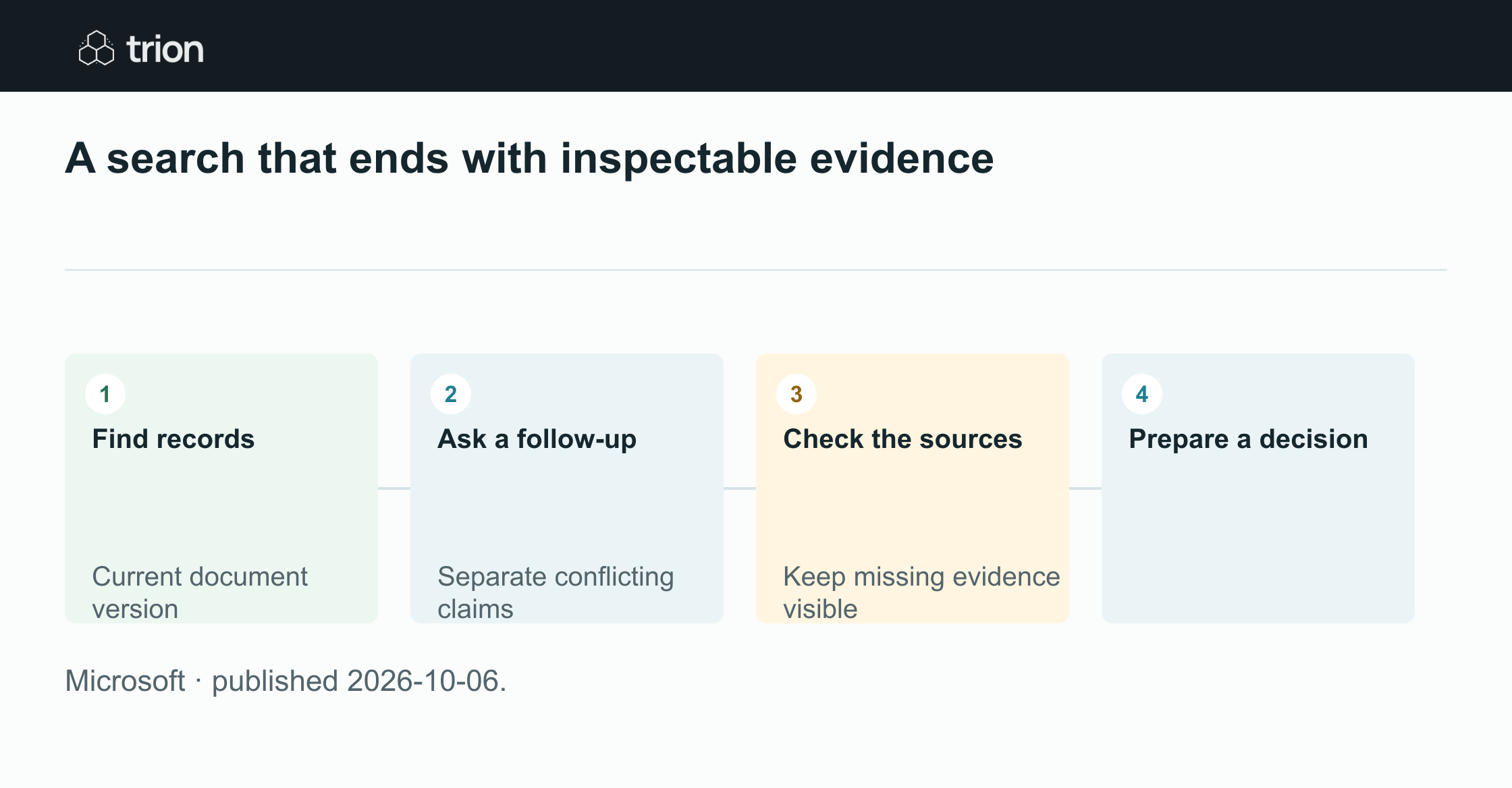

A search that ends with inspectable evidence
- Find records
Current document version
- Ask a follow-up
Separate conflicting claims
- Check the sources
Keep missing evidence visible
- Prepare a decision
- Find recordsCurrent document version
- Ask a follow-upSeparate conflicting claims
- Check the sourcesKeep missing evidence visible
- Prepare a decision
Microsoft · published 2026-10-06.
The interface change is useful when a search is the start of a decision rather than the end. A buyer looking for the latest warranty terms needs the right quotation, but also needs to know whether those terms differ from the version previously reviewed.
Keep discovery and acceptance separate
A search result establishes that a record was found. It does not establish that the record is complete, current for the purchase or accepted by its owner. Ask follow-up questions that expose those distinctions: which supplier and request does it concern, what revision is it and what evidence marks it as approved?
Use precise identifiers when available. Similar subject lines can belong to unrelated purchases, and a later timestamp can reflect an internal forward rather than new supplier terms. A useful answer should return the relevant documents and explain uncertainty instead of flattening conflicting versions into one confident summary.
A focused search-to-review exercise
Try this suggested exercise with a request that has both an original quotation and a revision. Start from the purchase identifier instead of a broad product phrase. Verify the original documents before using the generated comparison for a decision.
The prompts are deliberately narrow. They ask the assistant to organize evidence around one question, making it easier to see whether the new conversational surface saves reconstruction work.
Find the candidate records
Search for the exact purchase or quotation identifier, then inspect the returned records. Confirm the supplier, file version and message context. Exclude unrelated purchases before asking the assistant to combine information from the results.
Ask one consequential question
Ask what changed in the warranty and payment terms between the nominated versions. Request a source for each change and separate missing information from unchanged information. If the answer cannot identify a version, return to the records instead of inferring it.
Prepare the next decision
Check the cited passages and write a short review note containing the change, its consequence and the unresolved question. Link both source versions. Assign the review to the person responsible for accepting the commercial terms.
Compare these two quotation versions for this purchase. Show only changes to warranty and payment, citing the source for each. Separate missing information from unchanged terms. Do not interpret a more recent file as an approved offer.What a successful answer should leave behind
The reviewer should be able to open the cited evidence, reproduce the difference and understand what remains undecided. A concise answer is easier to use when it removes repeated context, but harmful when it removes the qualification that changes the commercial meaning.
For recurring use, keep a small set of difficult searches: matching product names, forwarded documents, superseded terms and absent files. Recheck them when the workflow changes. The operating improvement is a shorter path to reliable evidence, not simply a more conversational search page.
Original sources
- Microsoft: original release noteslearn.microsoft.com