
Microsoft maps its three agent-building options
Microsoft has published a guide to its three agent-building paths. Its internal experience draws a practical distinction between finding information, completing connected tasks and building custom enterprise systems.
Choose around the work the agent must do
The Customer Zero guide positions Agent Builder in Microsoft 365 Copilot as a starting point for lightweight retrieval from Microsoft 365 content and web sources. Copilot Studio adds connectors, actions and workflow automation. Foundry and developer tools offer more architectural control and custom orchestration.
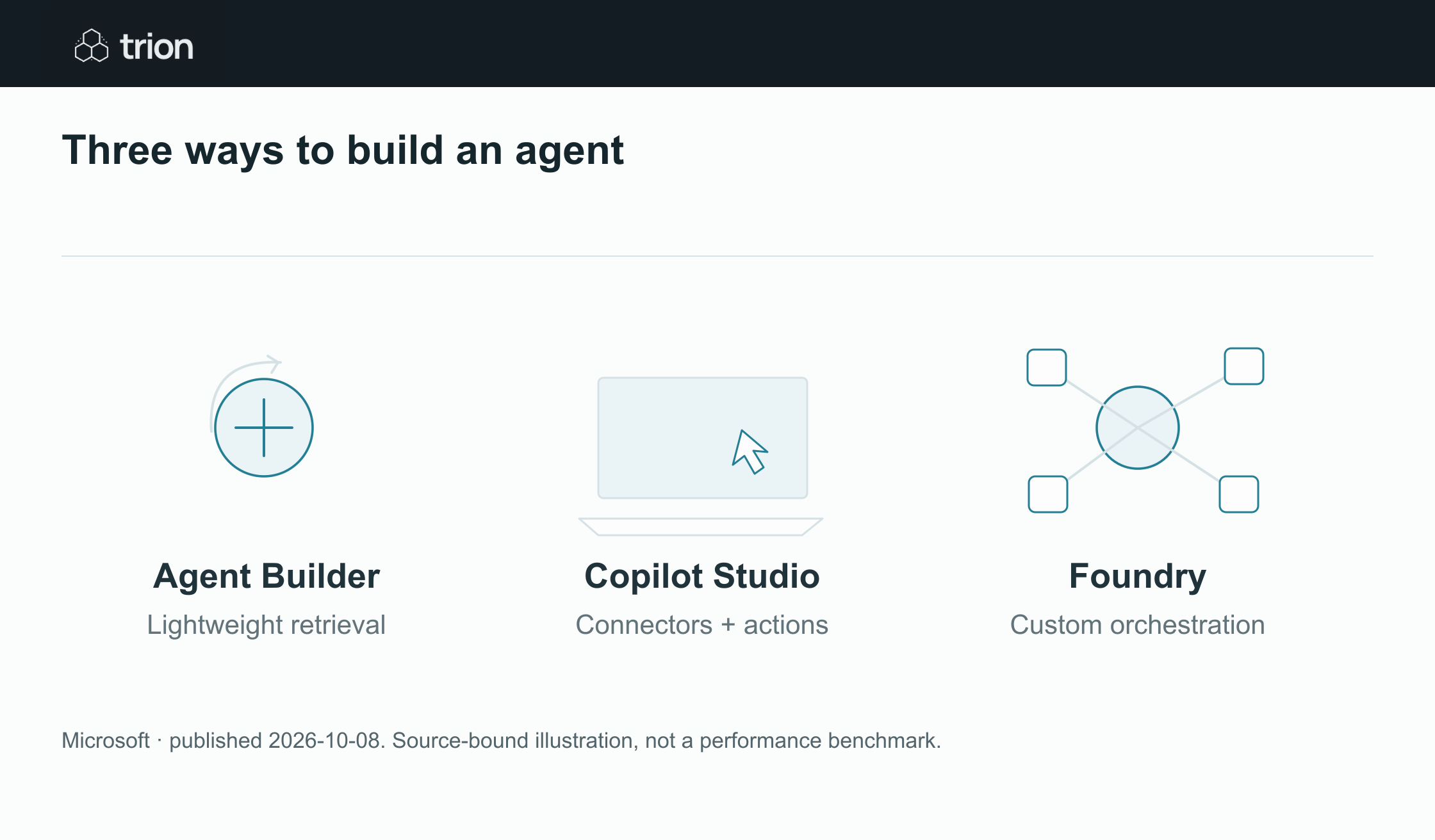

Three ways to build an agent
- Agent Builder
- Lightweight retrieval from M365 and the web
- Copilot Studio
- Connectors, actions and workflow automation
- Foundry
- Custom orchestration and architectural control
View data
| Evidence | Meaning |
|---|---|
| Agent Builder | Lightweight retrieval from M365 and the web |
| Copilot Studio | Connectors, actions and workflow automation |
| Foundry | Custom orchestration and architectural control |
Microsoft · published 2026-10-08. Source-bound illustration, not a performance benchmark.
Download imageMicrosoft ties governance to the scope of access and action, rather than treating every agent as equally risky. A knowledge helper and an agent that updates operational records need different controls, even if both start with a conversational interface.
Original sources
- Microsoft: original guidancewww.microsoft.com
Checked 9 Oct 2026 · A manually curated edition. Availability may change; company performance claims are not Trion test results. Editorial method.