
Separate item mapping from invoice acceptance
Item mapping answers which purchase-order line an invoice line refers to. Matching then checks whether its quantity, price and other required evidence meet the applicable rules. A correct item link can still lead to a quantity discrepancy, missing receipt or unauthorized price change.
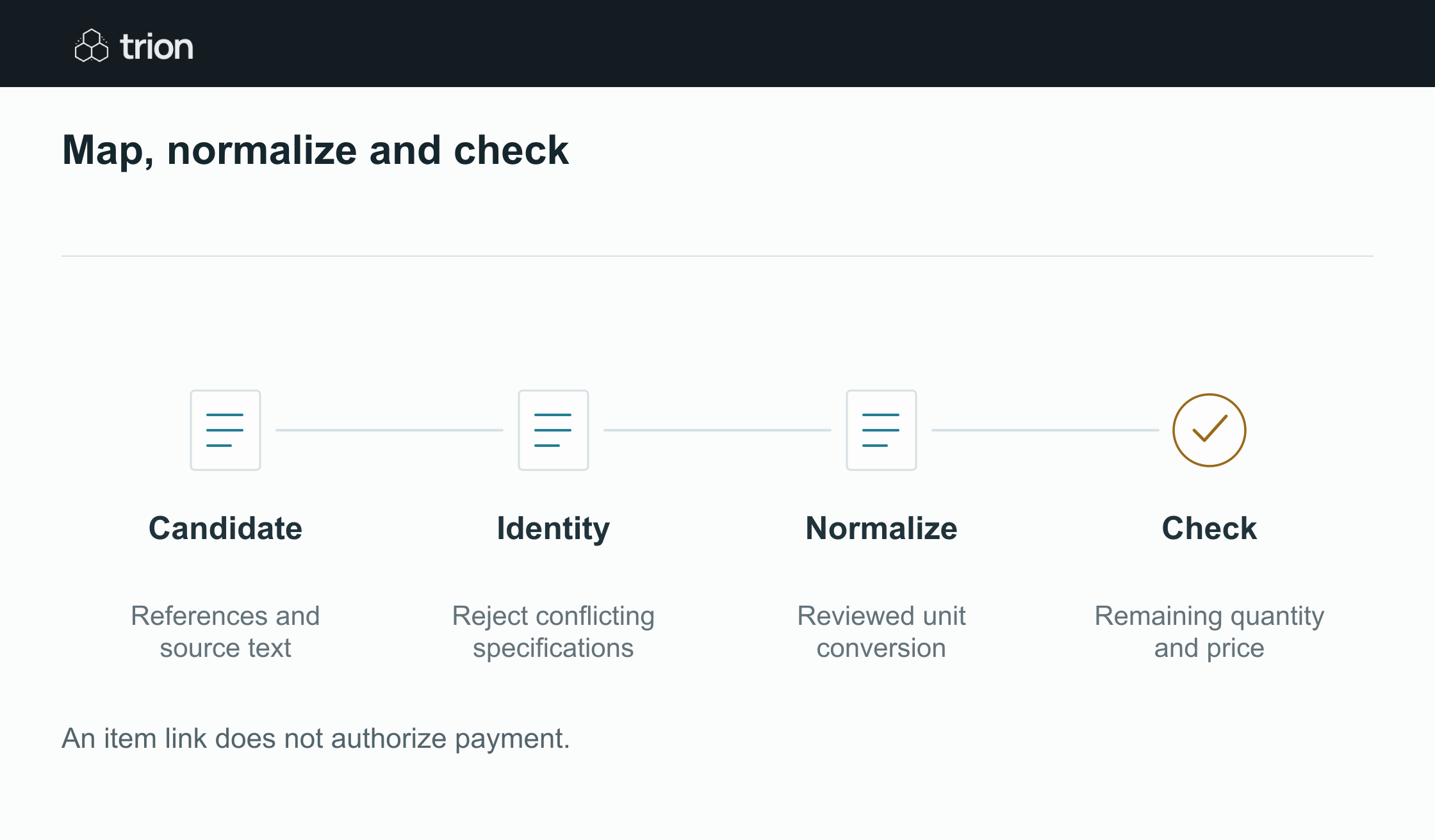

Map, normalize and check
- Candidate
- References and source text
- Identity
- Reject conflicting specifications
- Normalize
- Reviewed unit conversion
- Check
- Remaining quantity and price
| Evidence | Meaning |
|---|---|
| Candidate | References and source text |
| Identity | Reject conflicting specifications |
| Normalize | Reviewed unit conversion |
| Check | Remaining quantity and price |
An item link does not authorize payment.
Oracle's invoice-line documentation supports relationships with orders and receipts, including multiple invoices against one order and one invoice against multiple orders. This is why a workflow needs explicit line relationships rather than a single document-level “matches PO” label.
Preserve the original invoice text, order description, source references and proposed relationship. Do not rewrite a supplier's invoice line to make it resemble your order. The source wording is part of the evidence needed to review the mapping.
Use hard constraints before text similarity
Check the supplier, buying entity, purchase reference and relevant currency before searching for a line. Then examine manufacturer references, specification and accepted supplier item mappings. A conflicting part number or incompatible specification should outweigh a high description-similarity score.
AI can propose candidates when abbreviations or translations make exact matching difficult. Ask it to identify supporting text and conflicting fields. If two lines remain plausible, route the choice to a reviewer rather than accepting whichever receives the highest score.
| Evidence | Use |
|---|---|
| Explicit PO and line reference | Strong relationship evidence, subject to other conflicts. |
| Reviewed supplier item mapping | Connect a known supplier code to the internal item. |
| Specification and manufacturer reference | Check the actual product behind similar names. |
| Description similarity | Propose candidates; do not resolve contradictory evidence. |
Example abbreviation and pack difference
Suppose PO line 10 requests 24 individual bottles of CLEAN-L, 500 ml. An invoice says “CLN Citrus 0.5L,” two cases at $48 per case. Reviewed supplier evidence shows that this case contains 12 bottles of the same specified product. Two cases therefore represent 24 bottles and $96, or $4 per bottle.
PO line 20 describes a similarly named cleaner with a different concentration. It is not an alternative match merely because both names contain “CLN.” The reviewed product reference and specification establish the link to line 10.
Now suppose 12 bottles on line 10 were already invoiced and accepted for billing. The new 24-bottle invoice would bring cumulative invoiced quantity to 36 against 24 ordered and accepted. The item relationship is correct, but the new invoice exceeds the remaining 12-bottle balance. Keep those outcomes separate.
Normalize only with reviewed item conversions
Oracle distinguishes item-specific and standard unit conversions. A case count is usually an item-specific fact. Reuse a reviewed factor only within its effective period and packaging version; do not apply another product's case count.
Check raw quantity, normalized quantity, quoted unit price and extended amount together. A case-to-each conversion should change the per-unit basis, not the original total. Record rounding rules so a small calculation difference is not confused with a supplier price change.
If the invoice bundles several products into one line, preserve that bundle. Ask for a supported allocation or detailed breakdown. Do not distribute its amount proportionally across order lines without an approved basis. Likewise, assign a freight charge once, rather than copying it into every matched line.
Keep rejected candidates too, with the reason for rejection. That helps a later reviewer understand why a familiar description was excluded and prevents the same unsupported suggestion from being accepted during a retry.
Keep mapping states and matching states distinct
Use mapping states such as unmapped, candidate proposed, relationship reviewed and identity conflict. Then show the commercial checks separately: quantity balance, price, receipt evidence and required approval. The buyer or finance reviewer should see exactly which check remains open.
Have Trion’s matching workflow show candidates beside their invoice source. Give corrected invoices and changed mappings new versions, retaining the superseded evidence and reason.
Run the matching worksheet after reviewing identity and units. Repeated intake of an invoice requires a separate duplicate check.