
An enterprise workflow crosses team and system boundaries. The difficult part is often deciding which record is authoritative, who owns an exception, and what happens when only half of the intended action succeeds. Start with those decisions before expanding a department’s automation.
Enterprise scope changes the operating model
A small team may be able to resolve a broken workflow by asking its builder. A cross-team workflow needs a documented owner, backup, support route, and release process. One department should not have to infer whether a record in another system is current or whether a failed run can be restarted safely.
Microsoft’s adoption guidance distinguishes platform administration from environment administration and emphasizes defined governance responsibilities. Its data policy documentation also explains how connector policies can constrain which connectors are used together. Those are platform controls, not substitutes for your business approval rules. Governance at scale; data policy strategy.
Map the record, the action, and the owner
Consider an illustrative employee equipment request involving a requester, manager, IT team, purchasing team, and finance. Instead of starting with five connectors, write a state model: submitted, needs information, approved, sourcing, ordered, delivered, and closed. Define the evidence that permits each transition.
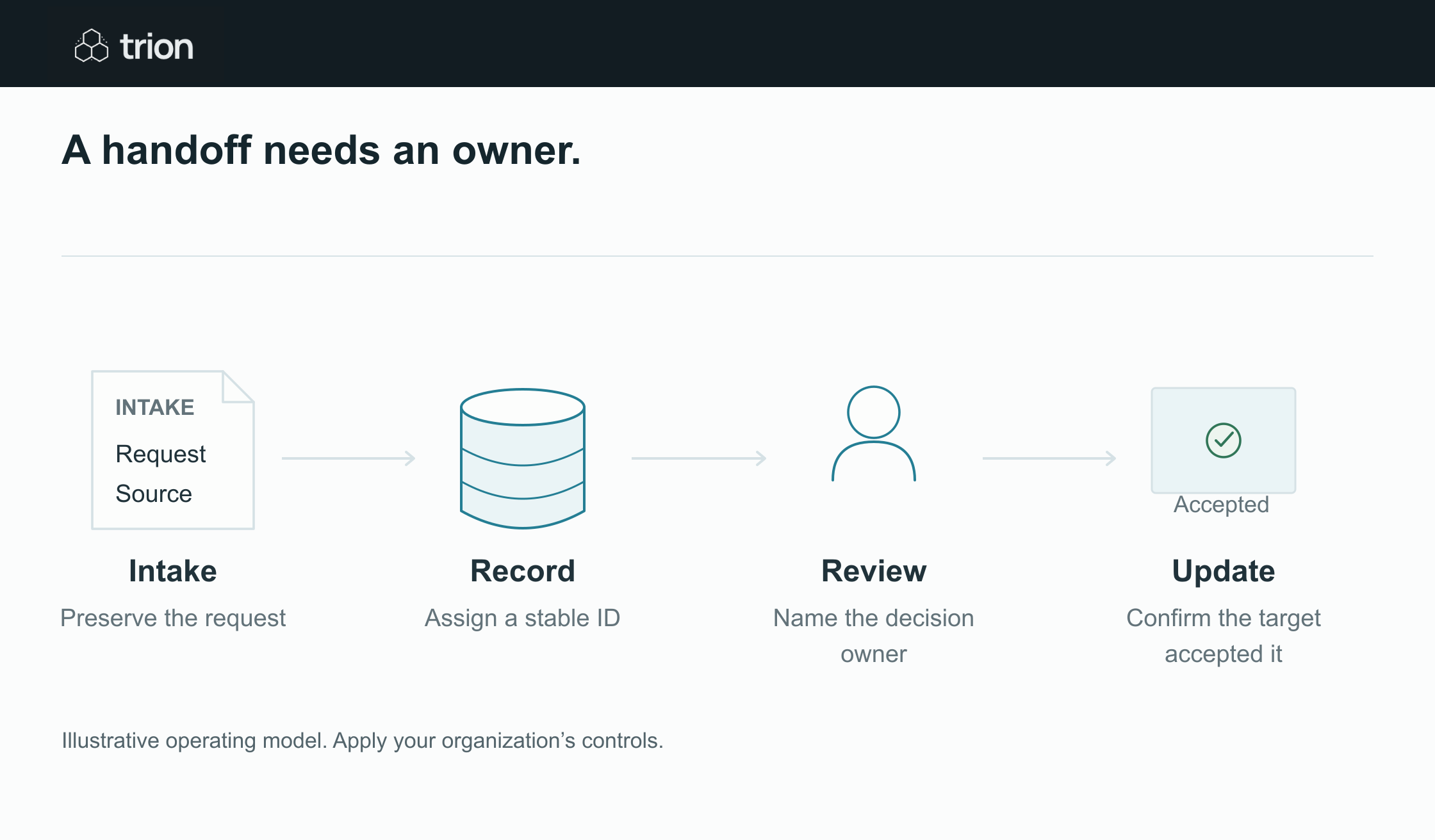

A handoff needs an owner.
- Intake
- Preserve the request
- Record
- Assign a stable ID
- Review
- Name the decision owner
- Update
- Confirm the target accepted it
View data
| Evidence | Meaning |
|---|---|
| Intake | Preserve the request |
| Record | Assign a stable ID |
| Review | Name the decision owner |
| Update | Confirm the target accepted it |
Illustrative operating model. Apply your organization’s controls.
Download image| Decision | Authoritative record | Accountable owner |
|---|---|---|
| Who needs equipment? | Request with employee and location references | Requesting team |
| What configuration is permitted? | Approved equipment policy | IT |
| May the purchase proceed? | Version-specific approval record | Authorized budget owner |
| Was the equipment delivered? | Receipt or handover record | Receiving owner |
Different systems can own different facts. The workflow should link those references rather than making every spreadsheet a competing master. Name the rule for conflicts, such as a request being withdrawn while a purchase draft is awaiting approval.
Specify contracts at each system boundary
For every integration, document the identifier, fields received, fields written, allowed statuses, and error response. Make unknown values explicit. If a purchasing system rejects a cost-center reference, the workflow must preserve the request and expose the correction needed. It should not choose a nearby value to complete the run.
Give a cross-system action a stable reference so the team can trace it from request through result. Record the workflow version and the source version used. Avoid depending on a person’s display name or an editable subject line as the only link between systems.
Plan partial success and recovery
Suppose the order draft is created but the status update fails. A restart that creates another order draft makes the problem worse. Record completed steps, verify the existing result, and resume only the remaining work. Where an action cannot be reversed, define a compensating operational step and who can authorize it.
The support view should answer whether the action was attempted, confirmed, rejected, or left uncertain. “Failed” is too broad when a timeout occurred after the target system may already have accepted the request. An uncertain action needs reconciliation before another write.
Separate business authority from technical access
A connector having permission to write a field does not mean the requester is authorized to approve that change. Implement both checks. Record whose decision authorized the action and which technical identity carried it out. Decide how access is reviewed when staff leave or move teams.
Use the approval matrix tool to prepare business routing rules. Then test those rules with actual roles, delegations, and exceptions. The tool does not establish approval authority for your organization.
Scale by repeating a supported pattern
Start with one workflow and one accountable operational owner. Require a runbook, change history, representative tests, review controls, and a measurable outcome before making the pattern available to other teams. Reuse record contracts and recovery behavior where they fit; do not assume that two departments share the same policy because they use the same application.
After the pilot, assess adoption, unresolved work, review effort, and support load. A workflow that saves keystrokes but creates an unowned exception queue is not ready to scale. The readiness tool can structure the initial discussion, while the enterprise automation hub connects the planning, governance, and operating guides.