
Use an embedding for a defined search job
An embedding represents an input as values used to compare relationships between items. For supported Google embedding models, the task-type guide distinguishes retrieval queries from retrieval documents and from semantic-similarity tasks. The practical lesson is to configure the embedding operation for the intended use rather than assuming any vector representation is interchangeable.
Decide what the user should receive: a document passage, a product candidate, a previous incident or an answer supported by several records. Store the source identity with its searchable representation so a returned match leads back to the original object.
Combine meaning with exact identifiers
Keep exact fields searchable alongside descriptive content. A model number, supplier site or item code often matters more than a broadly related description. Define filters for the records the user is permitted to see and the catalog or location relevant to the task. Semantic relevance should improve discovery within those boundaries, rather than override them.
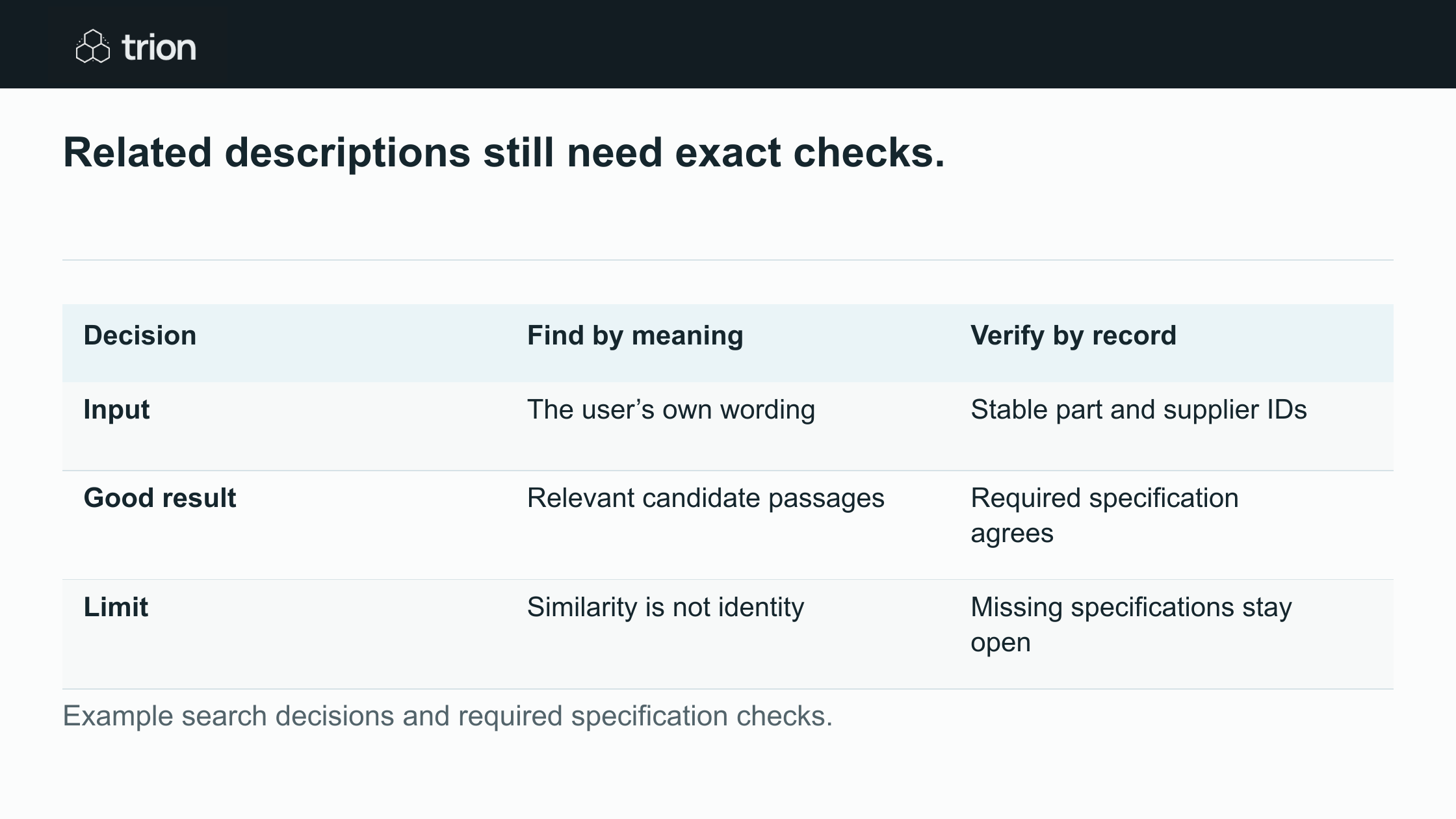

Related descriptions still need exact checks.
- Input
- Find by meaningThe user’s own wording
- Verify by recordStable part and supplier IDs
- Good result
- Find by meaningRelevant candidate passages
- Verify by recordRequired specification agrees
- Limit
- Find by meaningSimilarity is not identity
- Verify by recordMissing specifications stay open
| Decision | Find by meaning | Verify by record |
|---|---|---|
| Input | The user’s own wording | Stable part and supplier IDs |
| Good result | Relevant candidate passages | Required specification agrees |
| Limit | Similarity is not identity | Missing specifications stay open |
Example search decisions and required specification checks.
Use exact matching where identity is explicit and semantic retrieval where wording varies. A search for a known part number should not quietly substitute a similar item when the exact record is absent. Show the missing exact record and any alternatives separately.
Review a sample maintenance search
A maintenance planner asks for a replacement belt used on the packing line. The catalog contains three candidates: the previous approved belt, a similar belt for another machine and a kit that includes several components. All three descriptions discuss conveyors. A useful result set explains why each appeared without presenting them as equivalent replacements.
The planner checks dimensions, material requirements and the responsible engineer’s approved reference. If a required specification is missing, the candidate remains unresolved. Purchasing can investigate availability after this technical check. Search does not confer engineering approval, and an attractive price does not resolve uncertainty about compatibility.
| Candidate | Why it appears | Next check |
|---|---|---|
| Approved belt record | Matches the equipment history. | Confirm current specification and revision. |
| Similar belt | Shares descriptive terminology. | Compare the required dimensions and material. |
| Maintenance kit | Contains a belt among other parts. | Identify included items and purchasing unit. |
Test retrieval without inventing a universal score
Collect real search wording and identify useful results before changing the search configuration. Include abbreviations, supplier descriptions and internal names. Review which expected record appears among the results and how many irrelevant candidates the user must inspect. A similarity score is meaningful within its configured system; it is not a universal probability that a part is correct.
- Separate exact-ID searches from descriptive searches.
- Keep a reviewer-approved expected result for each test.
- Add close but unsuitable alternatives.
- Test the relevant language and permission combinations.
- Compare the same cases after changing the model, text preparation or ranking.
Keep representations current
Record the embedding model and configuration used for stored content. When either changes, plan how the index will be regenerated and compared before replacing the working search. A query and its document representation need a compatible setup. Do not mix old and new representations merely because their stored fields look similar.
Deleted, restricted or superseded records also need an update path. Keep access checks effective even while an index update is pending. Include text preparation, indexing and source-system maintenance in a search specification with Trion.
Make the result explain its status
Show the original record, the matched description and the exact checks still needed. Let the user refine the search without losing their current candidates. When no suitable item exists, retain the unmet specification in a clarification request so the next person can investigate it.