
Separate conversation history from operating memory
Design a compact operating record that preserves the parts another session needs, with each item’s source and status visible. The original conversation can remain supporting evidence where appropriate.
Anthropic’s memory-tool documentation describes file operations requested by the model and executed by the application, allowing information to persist across conversations in storage the application controls. That mechanism does not decide which business statement is authoritative. The workflow still owns scope, access and the distinction between a proposed note and an accepted record.
Give each stored item a status and scope
Identify the case, subject, source, owner and status of a memory item. A preference belonging to one client should not become a rule for every client. A proposed delivery date should not become a confirmed commitment merely because it appears in a summary. Use the smallest scope that lets the item support its intended task.
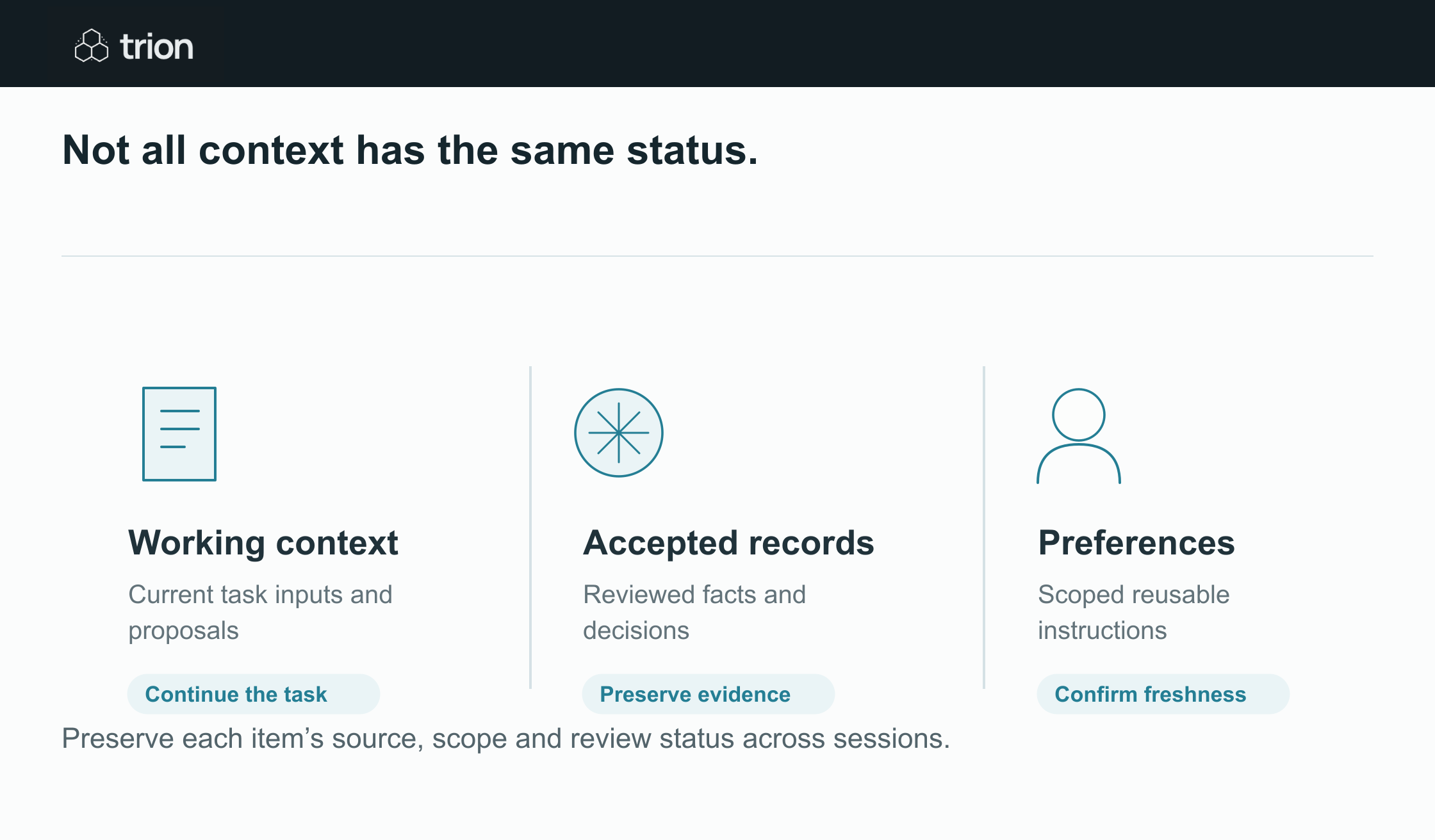

Not all context has the same status.
- Working context
- Current task inputs and proposals. Continue the task
- Accepted records
- Reviewed facts and decisions. Preserve evidence
- Preferences
- Scoped reusable instructions. Confirm freshness
| Evidence | Meaning |
|---|---|
| Working context | Current task inputs and proposals. Continue the task |
| Accepted records | Reviewed facts and decisions. Preserve evidence |
| Preferences | Scoped reusable instructions. Confirm freshness |
Preserve each item’s source, scope and review status across sessions.
Keep corrections connected to the item they replace. If a reviewer changes a fact, future retrieval should prefer the accepted correction while preserving the history needed to explain it. A timestamp helps order events, but the latest statement may still be a proposal. Authority comes from the workflow’s review rules and evidence, not recency alone.
Work through a client-onboarding handoff
Consider a client who prefers email updates and has supplied two of three requested files. A draft note says onboarding will finish Friday, while the assigned reviewer has not accepted the final document. The next assistant session needs the communication preference, received-file record, unresolved requirement and responsible owner. It should not repeat the draft completion date as a promise.
| Item | Status | Reuse condition |
|---|---|---|
| Email update preference | Recorded client preference. | Applies to this client; confirm if changed. |
| Two files received | Recorded receipt. | Check the actual file identities and review status. |
| Friday completion draft | Proposal. | Do not communicate as accepted. |
| Final file outstanding | Open task. | Keep its owner and next action. |
If the client uploads a replacement file, update its identity and revision on the relevant task. Avoid summaries such as “client documents complete” when receipt, review and outstanding requirements have different states.
Build the handoff from explicit fields
- Name the case and the task currently in progress.
- List accepted facts with source references.
- Keep proposed changes and unresolved questions separate.
- Record the next owner and permitted action.
- Preserve the versions needed to check a resumed operation.
Ask another person to continue from that record without reading the original chat. Their questions reveal missing context; use them to revise the handoff fields.
Maintain access, correction and expiry
Restrict memory operations by user, organization and case. Do not let a shared assistant combine personal notes with a team-wide knowledge record by default. Provide a supported way to correct, retire or delete stored items according to the organization’s operating requirements. Keep the source-system permission boundary effective when information is reused.
Review retained items for freshness and necessity. Some task context loses value when the case ends; an accepted decision may need a longer evidence history. Scope retention, correction and validity checks in a memory plan with Trion.
Test memory through a change
Use a corrected preference, replaced document and reassigned owner to test the next session. Confirm the old proposal does not reappear as authority and that unauthorized users cannot retrieve it. Check the restored item’s source, scope and status rather than only whether storage returned a value.