
Define which meeting you are arranging
Consider a client kickoff: the required participants are the client lead and project owner. A specialist is optional. The meeting lasts 45 minutes, needs a 15-minute preparation buffer and must occur within the participants’ agreed working hours. Write these conditions before searching calendars.
Also identify the organizer, permitted calendar and authority to invite people. Reading availability does not grant permission to create an event or disclose attendee details. A workflow preparing suggestions can operate with a different access scope from one booking meetings.
Store the intended local time and named zone
A clock reading such as “9am” is incomplete without its date and zone. Store the selected local date and time, the named time zone and the corresponding instant. Preserve the meeting’s intent, especially when it recurs at the same local hour.
IANA maintains time zone data that changes as authorities alter offsets and daylight-saving rules. Its time-zone database documentation explains why a permanent fixed offset is not a substitute for a named zone. Keep the runtime’s zone data current.
For an example on 3 November 2026, 14:00 UTC corresponds to 09:00 in America/New_York and 14:00 in Europe/London under the applicable zone rules. Display both local times when proposing the slot. Calculate each date independently; a recurring meeting’s conversion can change across a seasonal transition.
Test local times that occur twice or do not occur during a clock change. Require an explicit resolution instead of silently selecting one interpretation. All-day events need their own date-based treatment; do not turn them into an arbitrary midnight timestamp.
Treat availability as a snapshot
Google Calendar’s Freebusy method returns busy intervals for specified calendars and supports a time zone for its response. It also reports calendar or group errors. Read the Freebusy contract. An error is unknown availability, not a free calendar.
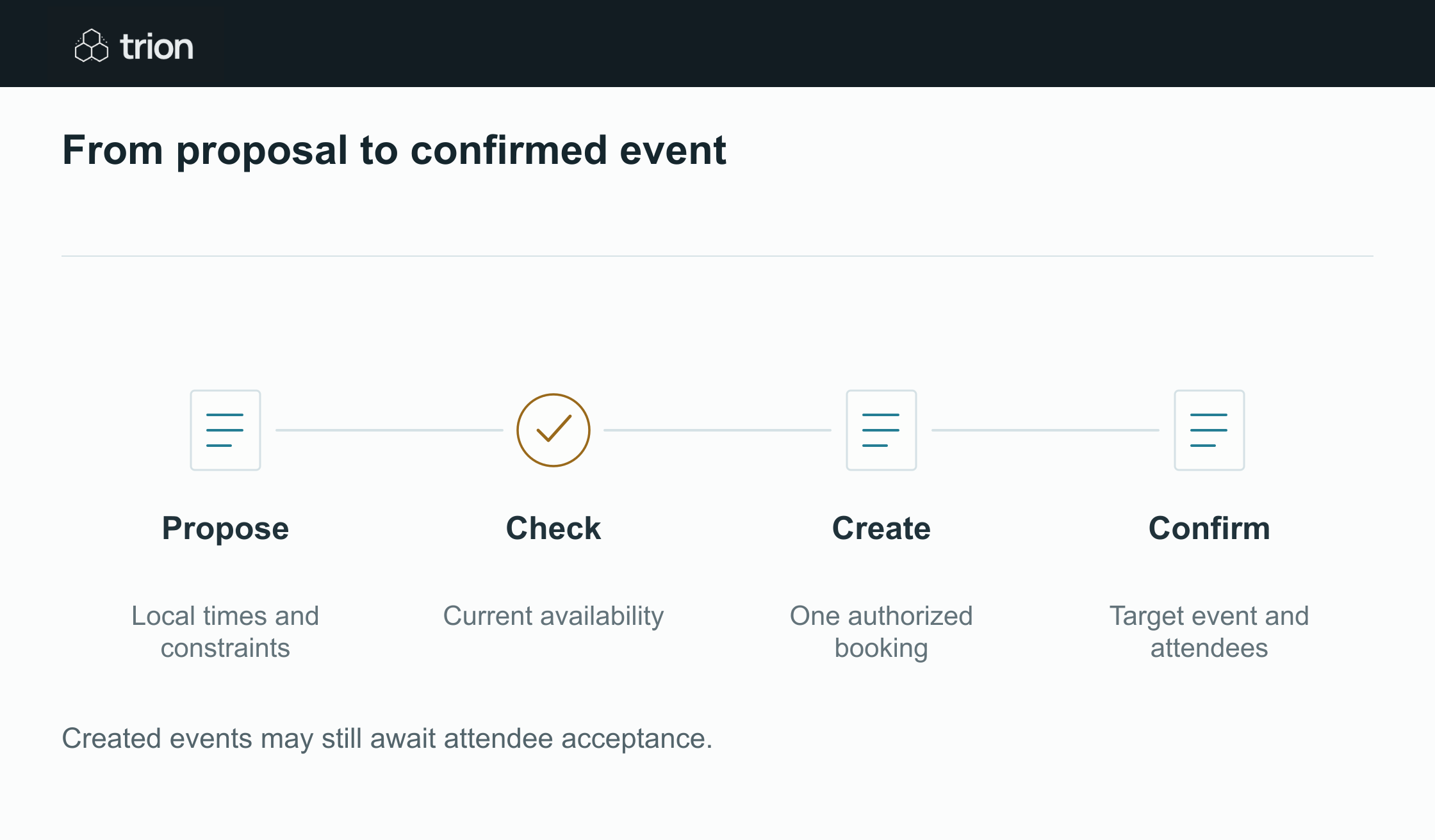

From proposal to confirmed event
- Propose
- Local times and constraints
- Check
- Current availability
- Create
- One authorized booking
- Confirm
- Target event and attendees
| Evidence | Meaning |
|---|---|
| Propose | Local times and constraints |
| Check | Current availability |
| Create | One authorized booking |
| Confirm | Target event and attendees |
Created events may still await attendee acceptance.
Filter candidate slots using required attendees, working hours, duration and buffers. Show which optional attendee cannot attend rather than blocking every slot automatically. Record how recently availability was checked, then recheck immediately before creating the event.
That second check still does not make checking and booking atomic. Someone can create another event between the two calls, and a calendar may permit overlapping events. Define the desired conflict policy and the recovery behavior rather than promising that a freebusy request guarantees exclusivity.
Control simultaneous booking attempts
| Record | Purpose |
|---|---|
| Meeting request | Stable client and meeting reference, required participants |
| Selected proposal | Dates, zones, duration and accepted constraints |
| Booking operation | One logical creation with concurrency control |
| Calendar result | Organizer calendar and confirmed event identifier |
| Attendance | Invitation state and subsequent participant responses |
Allow only one worker to claim a meeting request for creation. A local lock can stop two workers from duplicating the same request, although it does not prevent another person from booking a conflicting event independently.
Google documents caller-specified event IDs with format and uniqueness constraints, while cautioning that collision detection is not guaranteed at creation. Read Events insert before designing reconciliation. Preserve the returned identifier; an event creation response does not mean every attendee accepted the invitation.
Make rescheduling an update to the same meeting
When the client changes the date, retain the meeting request and its existing event reference. Recheck constraints and issue the appropriate authorized update. Decide how participant notifications work in the chosen account; do not create a second meeting and leave the original active.
If a write times out, reconcile the intended event before retrying creation. If the organizer changed or access was revoked, surface a named task. Cancellation should record the confirmed target outcome, with unresolved notifications distinguishable from confirmed removal.
Test the experience participants actually see
Use prepared calendars to test daylight-saving changes, a missing calendar permission, simultaneous booking attempts, declined attendance and a timeout after creation. Open the resulting invitation and inspect its local date, time, organizer and duration.
Include the resulting invitations, local times and update history in the acceptance evidence for a Trion scheduling integration.