
Copilot separates everyday AI from usage-based advanced work
Microsoft’s pricing update separates everyday assistance from advanced, usage-based work. For an organization, that means the useful purchasing question is the total cost of an accepted task rather than the price of a single response.
Two cost layers need two kinds of review
Microsoft’s pricing announcement retains per-user subscriptions for everyday AI and uses Copilot Credits for advanced agents and workloads. Its enterprise model requires an administrator to create a spending policy before usage-based billing begins, with budgets, user caps, alerts and reporting for that spending.
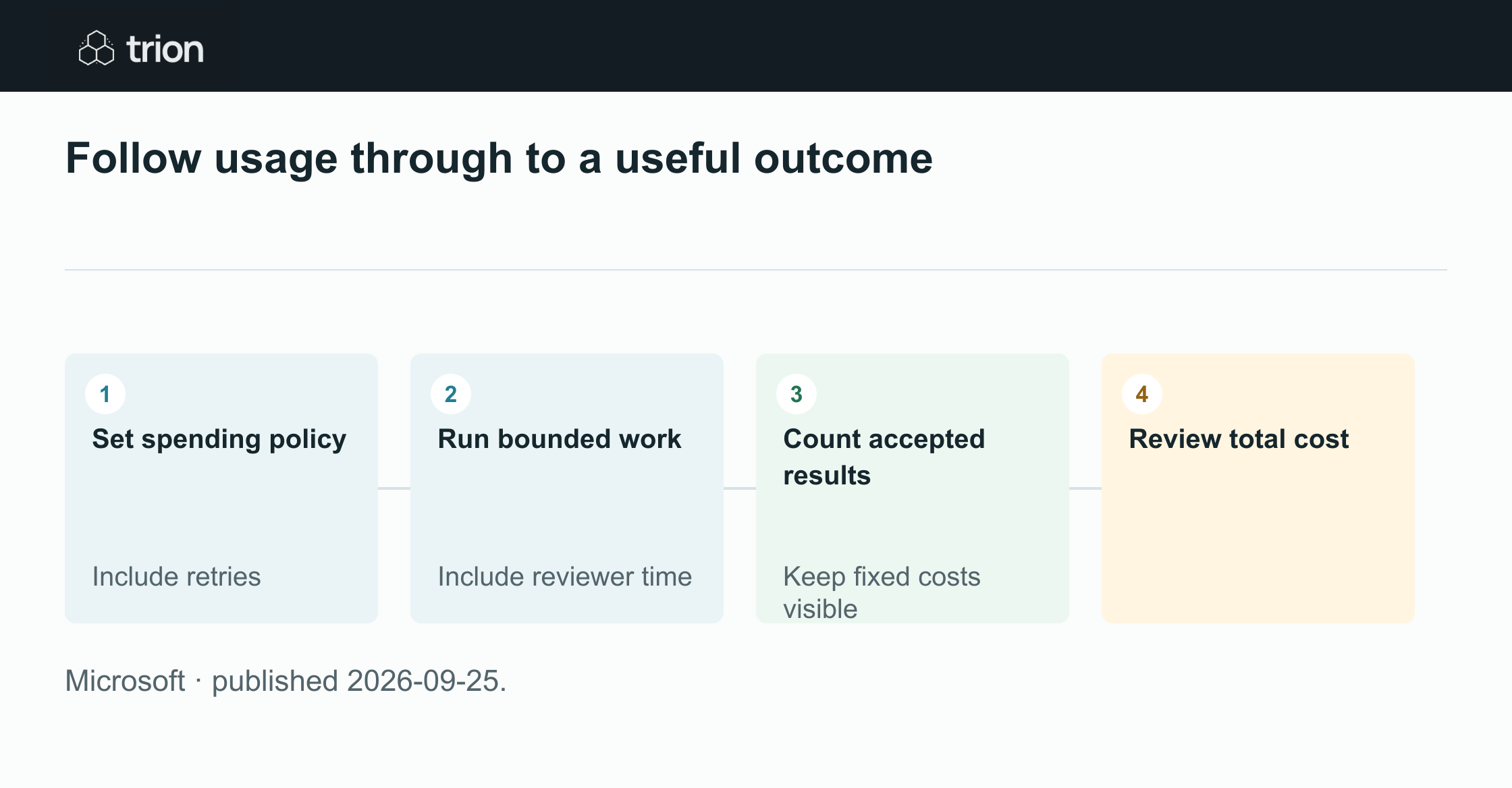

Follow usage through to a useful outcome
- Set spending policy
Include retries
- Run bounded work
Include reviewer time
- Count accepted results
Keep fixed costs visible
- Review total cost
- Set spending policyInclude retries
- Run bounded workInclude reviewer time
- Count accepted resultsKeep fixed costs visible
- Review total cost
Microsoft · published 2026-09-25.
The announcement describes cost controls, not a universal return on investment. A team needs to check its own subscription, workload and current commercial terms. A budget limits exposure; it does not establish that the work produced inside that limit was useful.
Start with an accepted outcome
Define completion before running a trial. For a supplier comparison, completion might mean the buyer accepts a source-backed table with the required terms and visible exceptions. A generated table that needs substantial reconstruction belongs in the workload cost but should not count as a completed outcome.
Use three cost layers: allocated fixed access cost, variable execution cost and human review or repair effort. Include retries and abandoned runs in the variable total. Keep implementation and ongoing support visible separately if you are comparing the workflow with an existing manual process.
A task-cost worksheet without invented savings
This suggested exercise uses your observed charges and work records. It does not require assumed token prices, estimated time savings or a vendor benchmark. Pick one bounded workload and a reporting period that covers its normal volume.
Record exceptional cases alongside routine ones. A process that looks inexpensive when every document is complete may need more review when a quotation is revised or a promised delivery date is missing.
Set the operating boundary
Identify the authorized workload, people and spending policy. Agree which result counts as accepted and who records that decision. Write down what should happen when a limit is reached, including how unfinished work returns to its owner.
Collect the complete cost
Use the available billing and activity records to capture execution charges, repeats and failed attempts. Record reviewer and repair time using a consistent method. Allocate fixed access costs transparently rather than hiding them in a favorable per-task number.
Divide by accepted work
Calculate total period cost divided by accepted outcomes, keeping unresolved tasks visible. Compare that result with the manual process under the same completion definition. Inspect expensive exceptions before deciding whether broader use would improve the economics.
Turn a limit into an understandable workflow
A user who reaches a spending cap needs to know whether their work was saved, which steps completed and who can resolve the next step. Silently retrying or abandoning a task makes both the experience and the accounting harder to understand. Treat the limit as an operating state with an owner.
Review the economics again when the model, input size, workflow or review burden changes. A lower charge per run can still produce a higher cost per accepted outcome if quality falls. The useful dashboard joins spending with completed work, unresolved exceptions and the human effort needed to finish them.
Original sources
- Microsoft: original announcementtechcommunity.microsoft.com