
Windows maps a local-and-cloud future for AI agents
Microsoft’s hybrid Windows plan brings local and cloud AI into the same operating model. For a buyer or engineering team, that turns model placement into a workload decision rather than a universal preference for either location.
Available components and forthcoming experiences
Microsoft’s 7 October announcement makes Microsoft Execution Containers generally available on Windows 11, with runtime controls over agent file and network access. It also announces llama.cpp support in Windows ML. Hybrid GitHub routing is planned for experimental preview later in October; hybrid Copilot features are expected in the coming months.
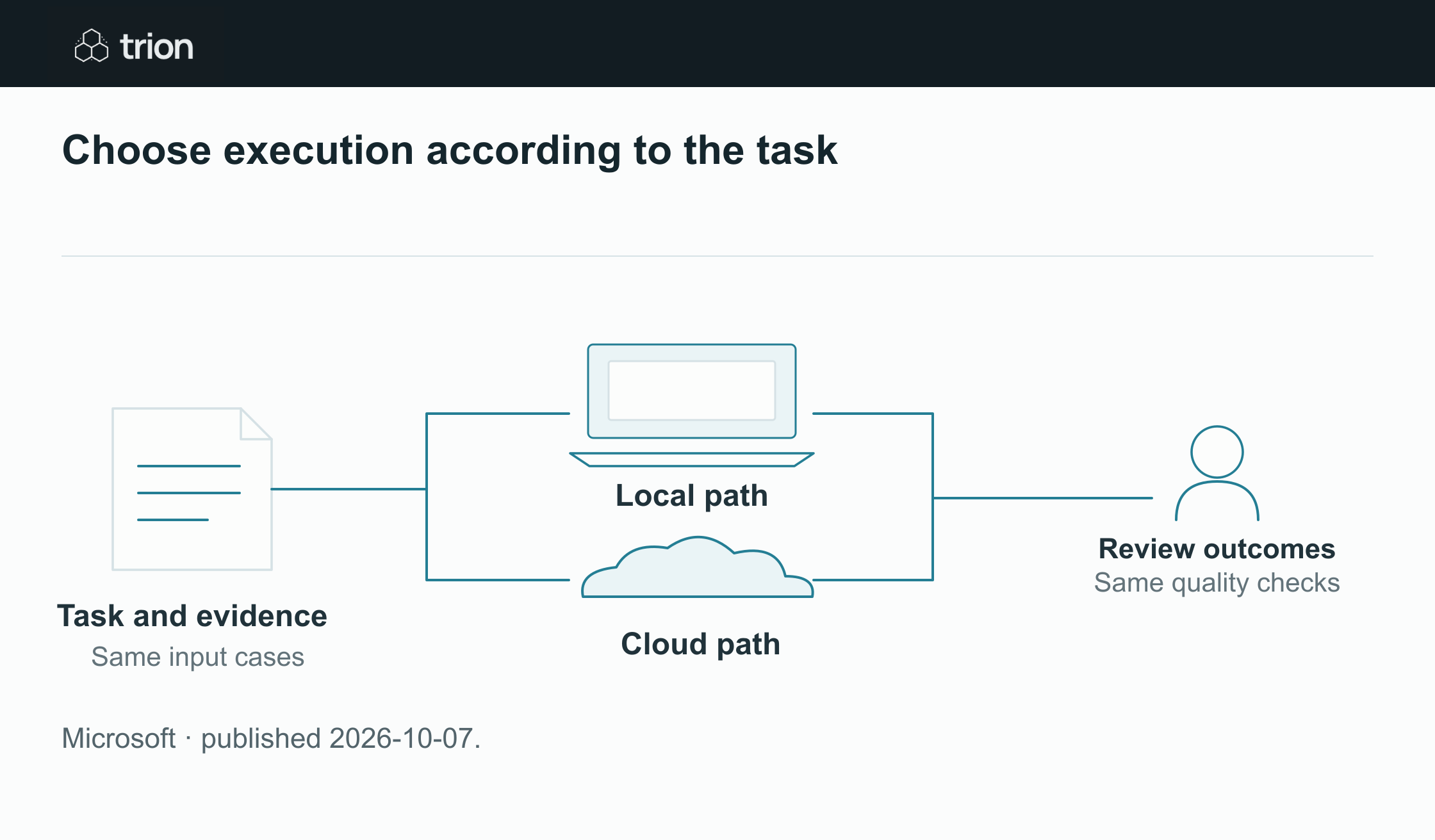

Choose execution according to the task
- One bounded task
- Use the same approved cases and expected outcome
- Local path
- Observe quality, resources and data movement
- Cloud path
- Observe quality, resources and data movement
- Compare outcomes
- Review accepted results and the complete operating cost
| Evidence | Meaning |
|---|---|
| One bounded task | Use the same approved cases and expected outcome |
| Local path | Observe quality, resources and data movement |
| Cloud path | Observe quality, resources and data movement |
| Compare outcomes | Review accepted results and the complete operating cost |
Microsoft · published 2026-10-07.
Those different dates should stay separate in a deployment plan. An available runtime does not mean every described end-user experience is ready. Confirm the supported devices, model configuration and feature access for the specific task before planning a wider rollout.
Choose placement through the work
Consider a controlled document-classification task: identify whether an approved sample belongs to a request, quotation or invoice, while leaving the original document unchanged. A local and a cloud implementation can be evaluated against that same task. Neither location should receive unrelated records merely because they are easy to access.
Define what counts as a usable result, including an unresolved category for ambiguous files. Then examine latency, review effort, resource use and data movement together. A quick answer that regularly needs correction is not a better operating result, even if its model runs on impressive hardware.
A comparison you can reproduce
This suggested exercise compares execution paths; it does not assume that a particular Windows feature or model supports your application. Use the released tooling appropriate to your environment and record its actual configuration.
Keep the same input cases and expected outcomes across both paths. Include a poor scan and a document with multiple purposes, so the comparison reveals uncertain behavior as well as routine success.
Fix the task and input set
Use approved documents with known classifications. Record model and runtime versions, input preparation and the permitted file locations. Decide whether uncertainty should return for review or stop the process, and apply the same rule to both paths.
Observe the complete run
Measure startup, repeated requests and a longer session alongside normal applications. Record output quality, review time and any network transfer. If an implementation uses a cloud fallback, capture when that fallback occurred rather than counting the whole run as local.
Compare useful outcomes
Count accepted classifications and unresolved cases separately. Include infrastructure, support and reviewer effort in the operating comparison. Check interruption recovery and whether the configured file and network restrictions still hold when the task receives an unexpected input.
Keep model location separate from authority
A model running locally can still be given excessive access, and a cloud model can still operate within a carefully bounded task. List the files and services the surrounding application may reach. Review its logs, connectors and fallback behavior instead of using location as a shorthand for the entire privacy assessment.
For a write-enabled workflow, repeat the review around the effect: which record changes, who authorizes it and how an incorrect action is investigated. Classifying a document and posting an invoice are different operating commitments. Changing the execution location does not remove that distinction.
Original sources
- Microsoft: original announcementblogs.windows.com