
A webhook delivers an event to your integration. Polling asks a system whether something changed. The choice affects how quickly work starts, how many requests you make, and how you discover events that were never processed.
Start with the delay the business can tolerate
GitHub describes webhooks as event subscriptions that deliver data when an event occurs, while polling makes intermittent API calls to check for information. Its documentation recommends considering the REST API when information is needed only occasionally. These are useful distinctions, but the source system’s actual event and API contracts decide what is possible. GitHub’s webhook overview.
A daily reporting workflow may tolerate an hourly check. A dispatch exception needing prompt attention may need a faster trigger. Specify the acceptable detection delay separately from the time allowed to complete the task. Neither method promises immediate business completion.
Calculate the polling load for the actual endpoint
In a fictional order-status integration, 240 open orders are checked every ten minutes. If the endpoint requires one request per order, that is 144 checks per day for each order, or 34,560 daily requests before retries. If a supported endpoint returns all changed orders in one request, the load can be very different. Confirm pagination and changed-since behavior before estimating it.
This arithmetic is illustrative, not a claim about a supplier system. Record the rate limit, page size, lookback window, and whether a modified timestamp changes for every event you need. A poll can miss a change that the endpoint does not expose.
Use the trigger decision worksheet
| Requirement | Webhook check | Polling check |
|---|---|---|
| Coverage | Is the required change an available event? | Can the API reveal that change reliably? |
| Detection delay | What delivery timing is documented? | What interval meets the business need? |
| Identity | Is there an event or delivery reference? | Which record ID and version identify the change? |
| Missed work | Can deliveries be listed or redelivered? | Can a lookback recover changes after downtime? |
| Operating cost | Who runs the receiving endpoint and queue? | What request volume and limits apply? |
Treat delivery as intake, not completed work
GitHub’s specific recommendations include validating deliveries with a secret, acknowledging promptly, processing asynchronously, and using the delivery identifier to recognize repeats. It also documents redelivery of missed webhooks. Other providers may have different timeouts and redelivery behavior, so use their documentation when building the integration. GitHub’s delivery practices.
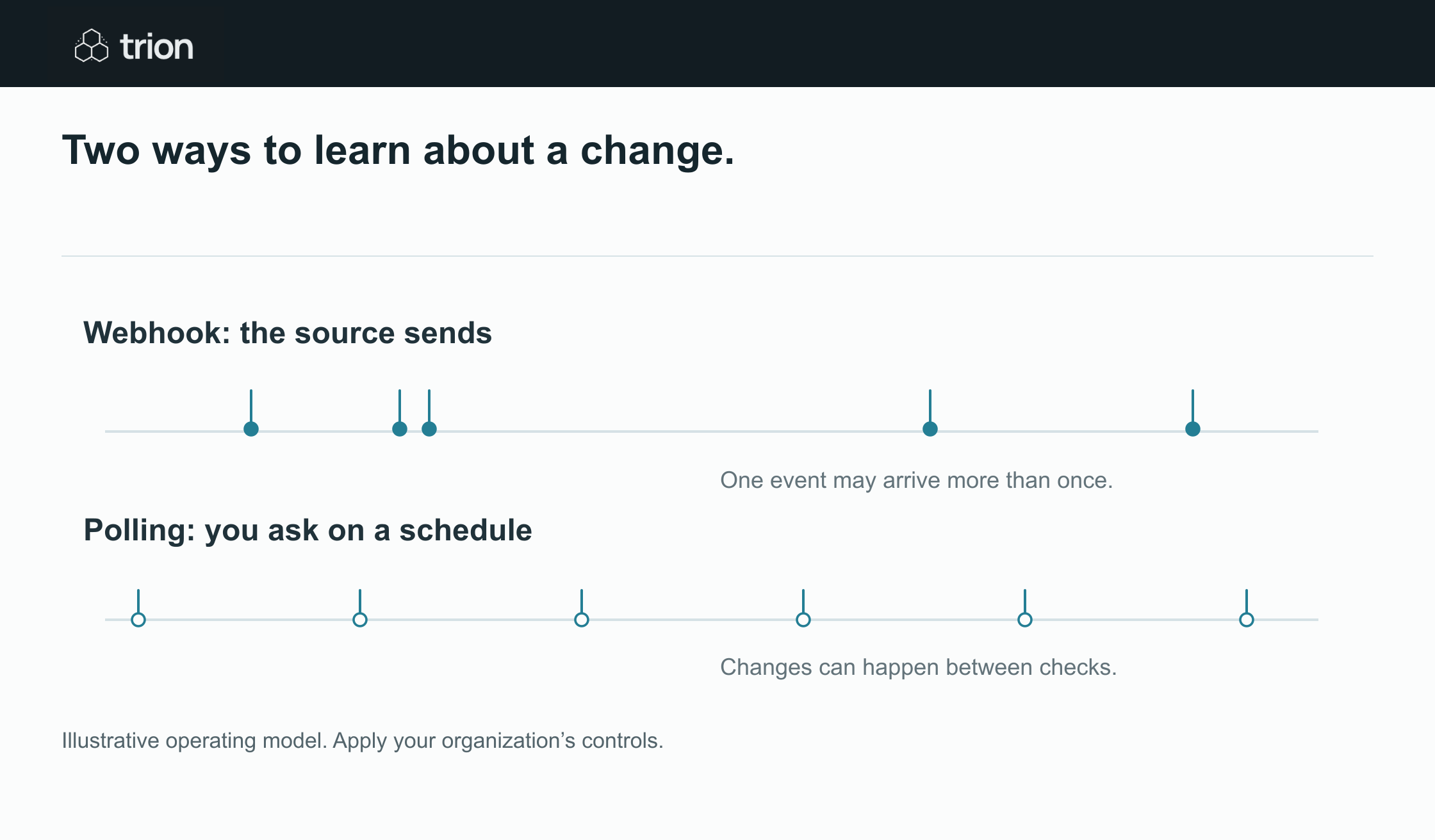

Two ways to learn about a change.
- Trigger
- System sends an event / Your workflow checks on a schedule
- Watch for
- Missed or repeated events / Rate limits and gaps between checks
- Both need
- Reconciliation and deduplication / Reconciliation and deduplication
View data
| Evidence | Meaning |
|---|---|
| Trigger | System sends an event / Your workflow checks on a schedule |
| Watch for | Missed or repeated events / Rate limits and gaps between checks |
| Both need | Reconciliation and deduplication / Reconciliation and deduplication |
Illustrative operating model. Apply your organization’s controls.
Download imageFor the fictional order integration, keep a durable intake record before treating an event as accepted. Process that record into an order update separately. If the same event arrives twice, link both delivery attempts to one business change. If older and newer versions arrive in an unexpected sequence, compare the target version before overwriting the current state.
A hybrid can solve a different problem
A webhook can start work promptly while a scheduled reconciliation checks whether all eligible source changes have a corresponding work record. Reconciliation needs a trustworthy source query and a defined window. It is not a generic guarantee against missed data.
Record these fields in the trigger specification: source, event or query, interval, identity key, checkpoint, lookback window, duplicate rule, reconciliation owner, and maximum acceptable delay. Use the workflow readiness tool to capture unanswered integration questions. Choose the trigger whose coverage and recovery behavior you can demonstrate with the intended account.